
Personal Profile
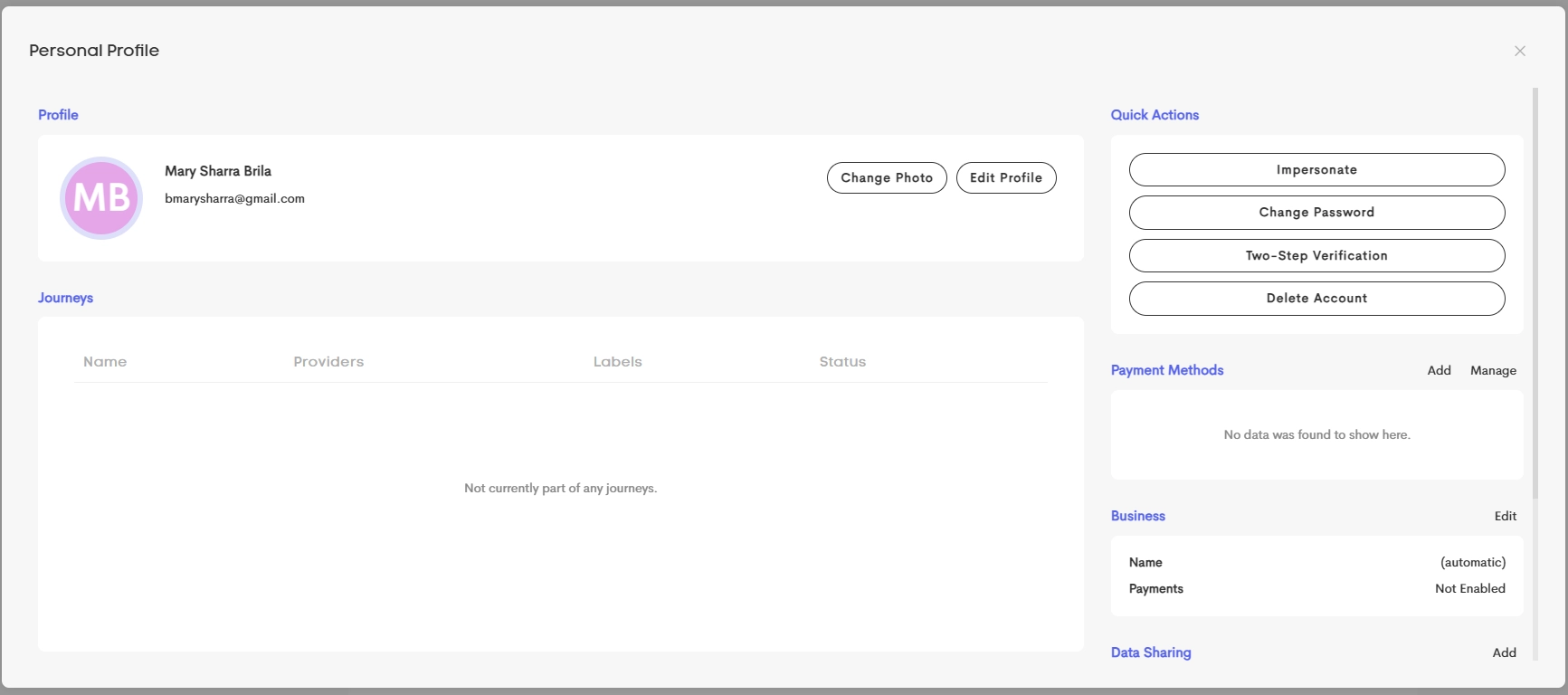
The Personal Profile provides a centralized view of an account, the user’s information, and any providers it’s associated with (as a client or network profile). It lets the user manage and modify their profile details, including:
- Profile Photo
- Personal Information
- Payment Methods
- Business Details
-
Data Sharing
Related Articles
Where to Find It
Your Personal Profile
The View my Profile button in your User Menu.

A contact's personal profile
The View Profile button context menu option in the Contacts section of a Journey's Overview tab.

Journeys
In the journey section, you can see a list of any journeys on which this person is a contact.

The journeys listed are only those that this specific contact record is primary on, not including any other contacts having the same name or email address. If journeys are for separate contacts having the same name and email address, you can invite them to the client portal to prompt them to bring their journeys under a single contact.
Check out this article for more information: Client Portals
Un-link Journey
If viewing your own personal profile, you can unlink yourself from a specific journey; this will remove you from the account's portal.
