Messages
The Messages feature allows you to send, receive, and manage conversations with clients, team members, and groups.
Messages are organized into threaded conversations and support both one-on-one chats and broadcast-style announcements, with tools for managing visibility, access, and notifications.
Table of Contents
Where to Find It
Messages can be accessed from different areas of Doulado depending on whether you are a provider or a client.
Providers can manage conversations globally or within a specific client profile, while clients can access conversations directly from their client portal.
Providers
There are two ways providers can access messages in Doulado:
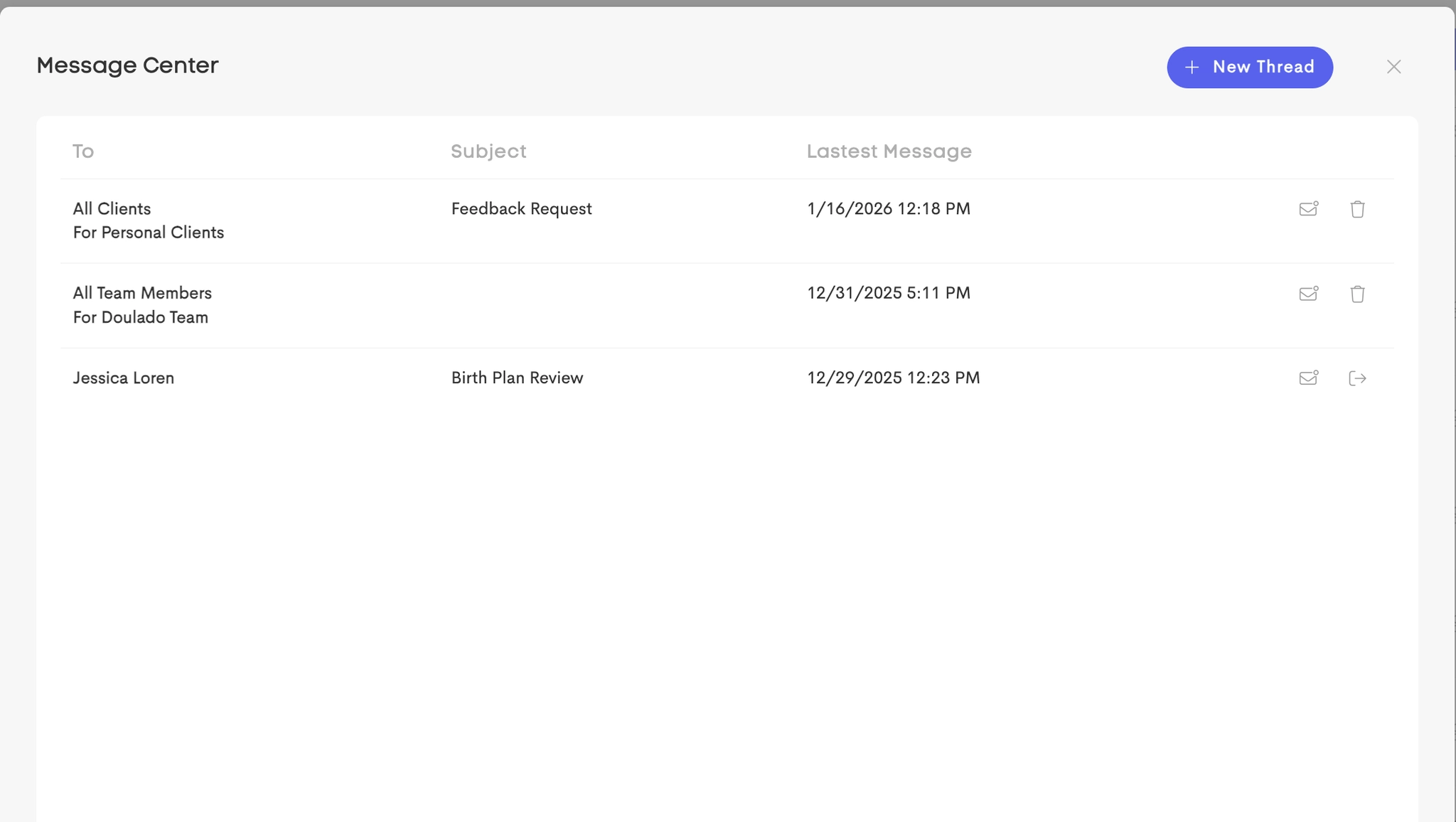
Global Inbox

Navigate to Messages from the main sidebar to view all conversations across your clients and teams in one place.
Client-Specific Messages
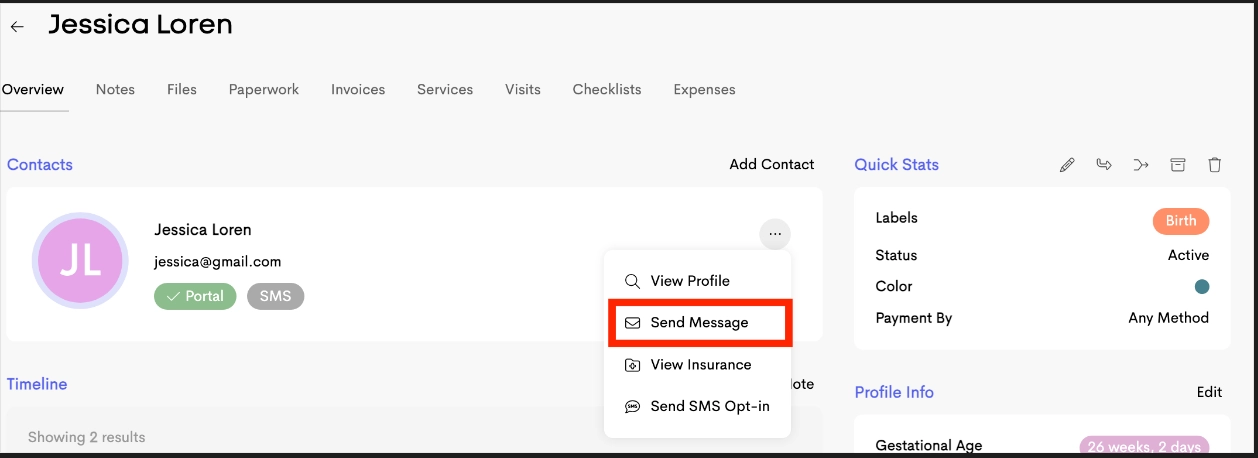
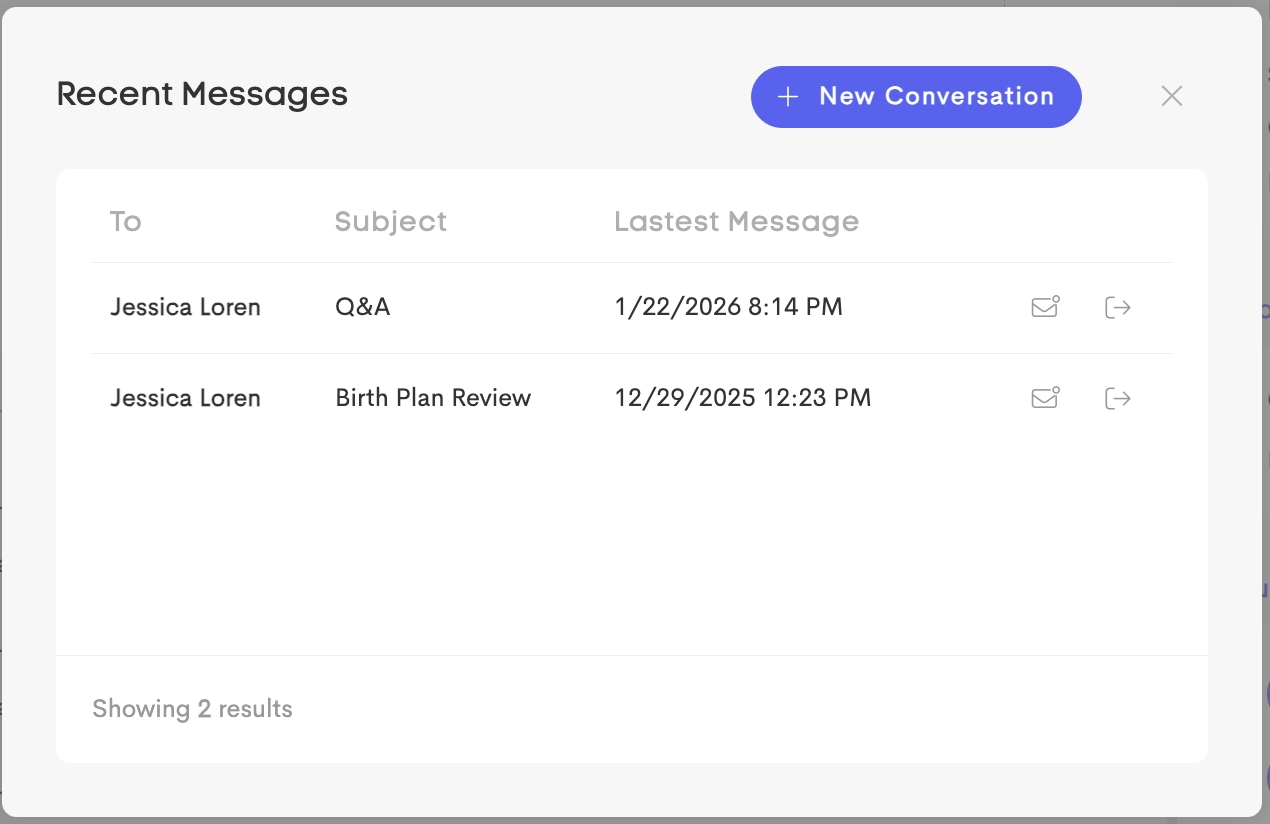
Open a client’s profile and access the Messages section to view conversations related only to that specific client.
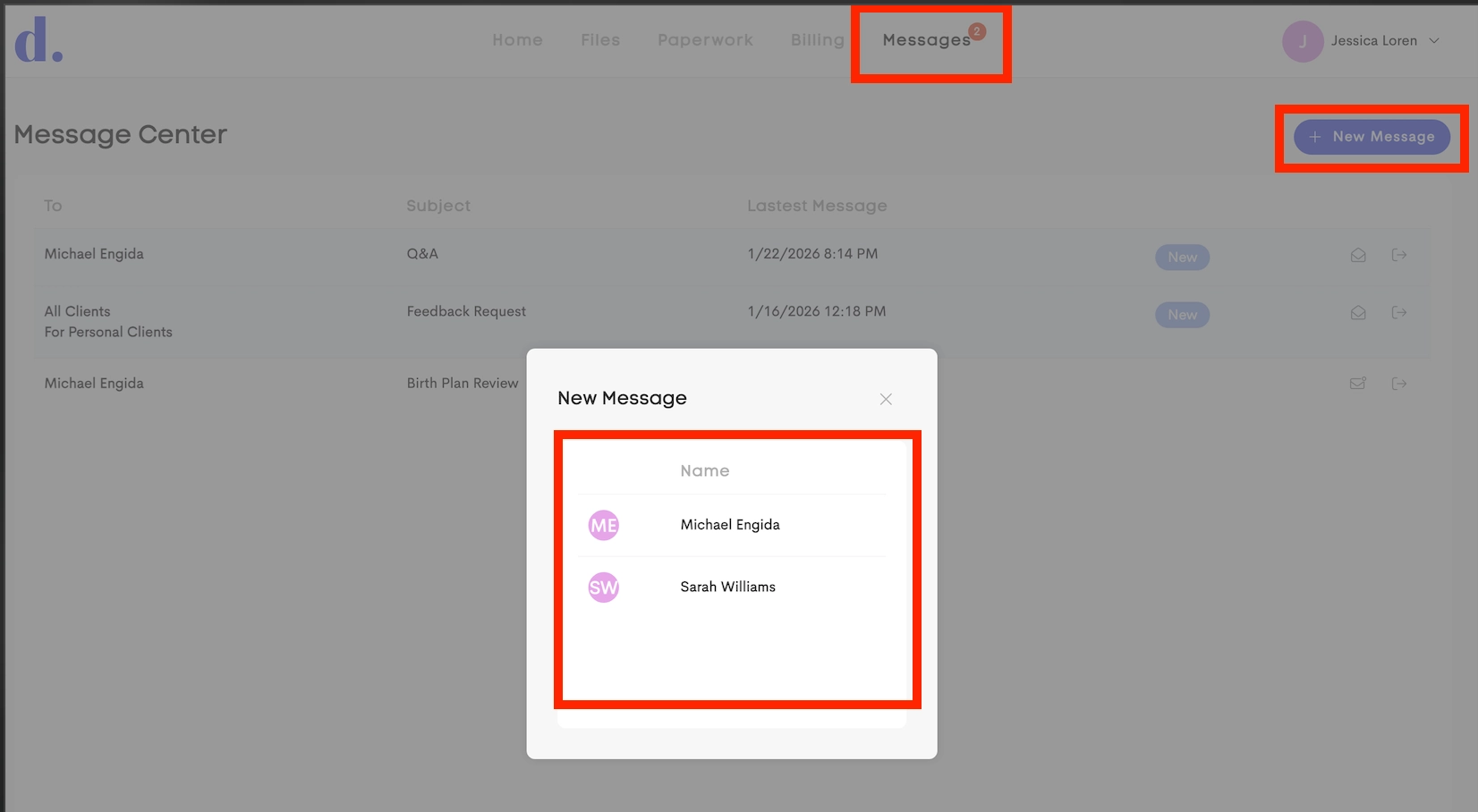
Clients
Clients can access messages from the Messages option in the top navigation of their portal. From there, they can view and send messages to providers they have permission to contact.