Booking Pages
Overview
Booking Pages make it easy for Clients and Leads to book time with you. Customize your availability, create booking links for different services, and share them wherever your clients are.
How To
- Create or Edit a Booking Page
- Preview a Booking Page
- Customize a Booking Page
- Automated Conflict Resolution
- Client View: Book Appointment
Where to Find It
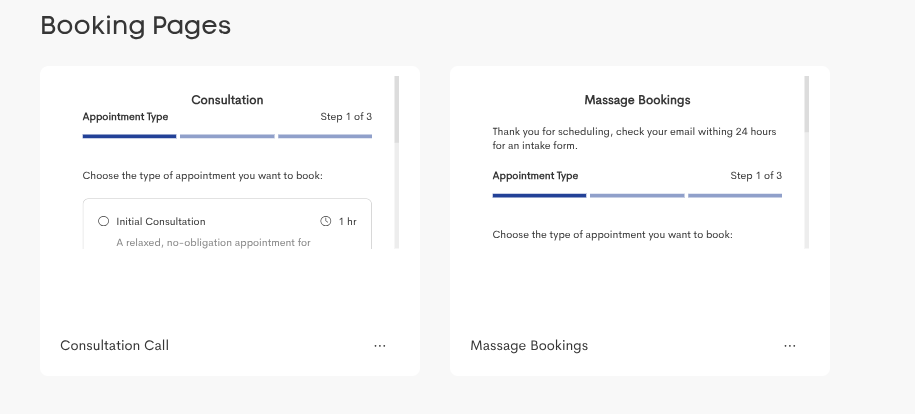
Booking Pages are managed from the Booking Pages page within the Templates main area.
Booking Pages
Each tile represents a specific booking page, which is associated with a unique sharable direct link (or website embedding) for a particular set of services and set of availability rules.