
Client View: Book Appointment
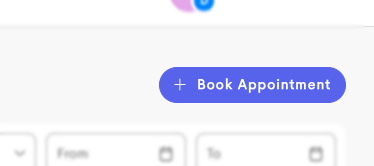
Clients can schedule their own appointments directly through the portal using the + Book Appointment button, in the top-right of the Appointments page under the Home main area.
If the client has access to only one booking page, that page will immediately be opened.
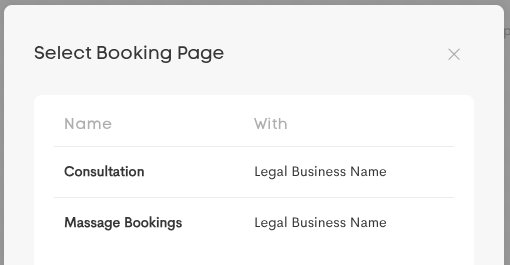
If the client has access to multiple booking pages, they will be prompted to choose one.
If a client has more than one journey in the business this booking page belongs to, they are prompted to directly contact that organization in order to book an appointment.
Booking
-
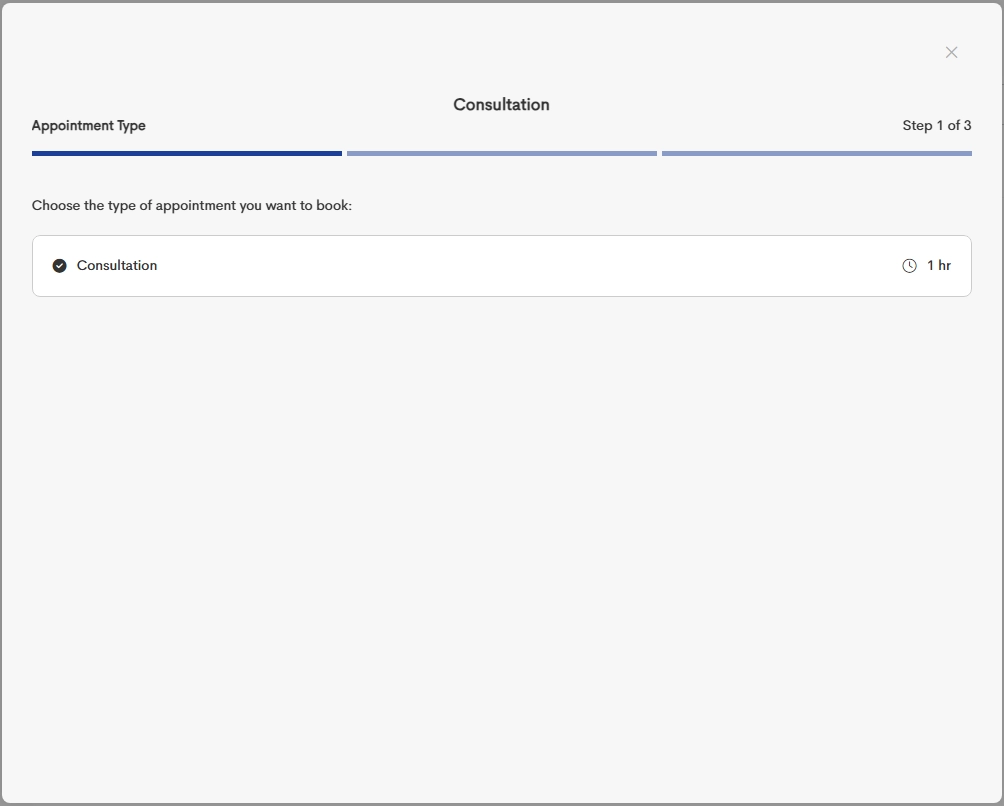
When the booking page appears, choose the Appointment Type you want to book.
-
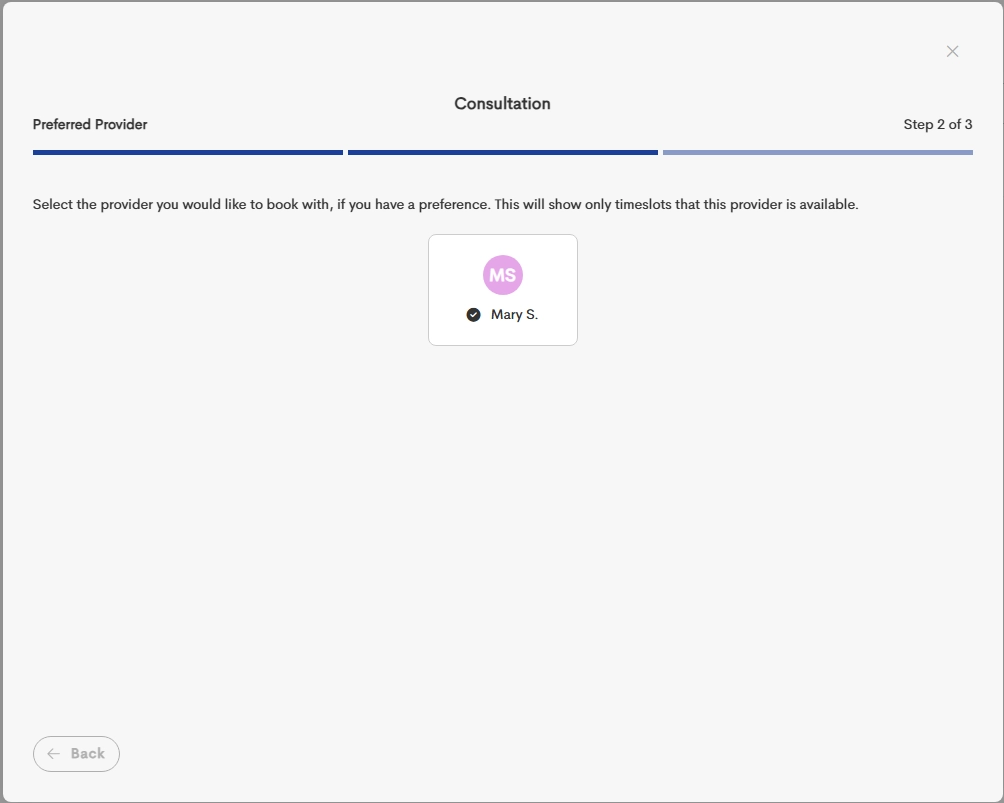
Select the specific provider that you want to schedule an appointment with.
-
Choose a date and location and complete your booking.
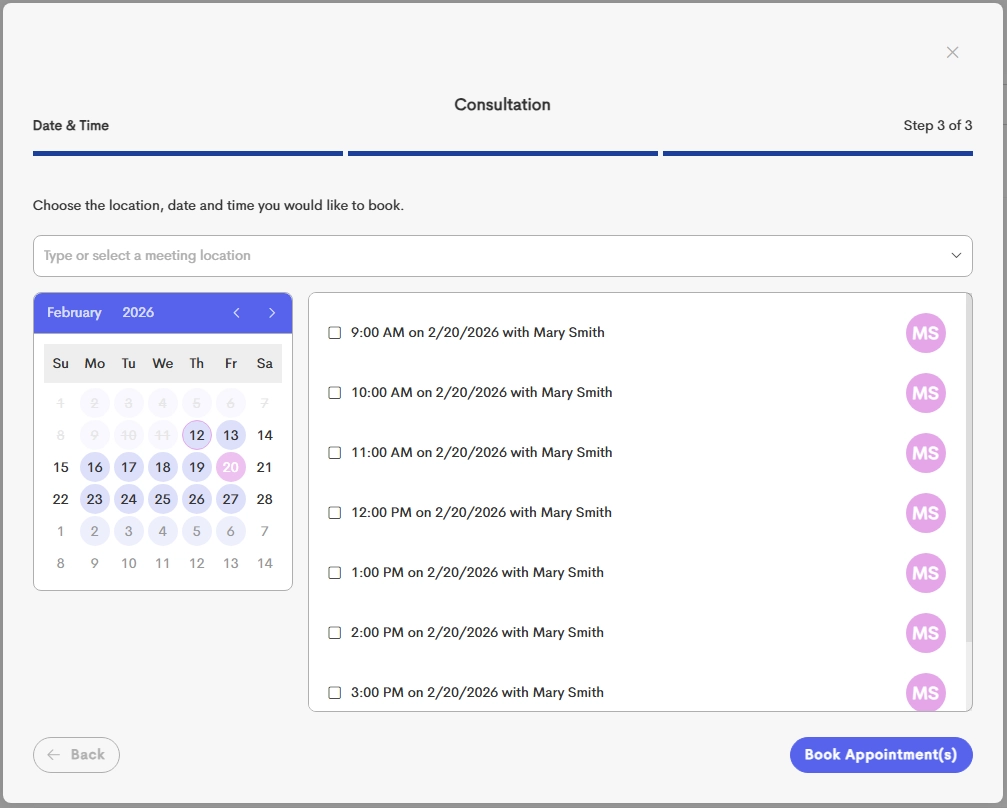
Available dates are highlighted to make it easier to tell what dates are fully booked/unavailable.