
Sending Invoices
Invoices are used to bill clients for services, packages, and other fees. You can create an invoice from scratch or use a template to save time.
Once created, invoices can be sent to clients for payment, with built-in payment tracking, reminders, and status updates throughout the billing process.
Table of Contents
Where to Find It
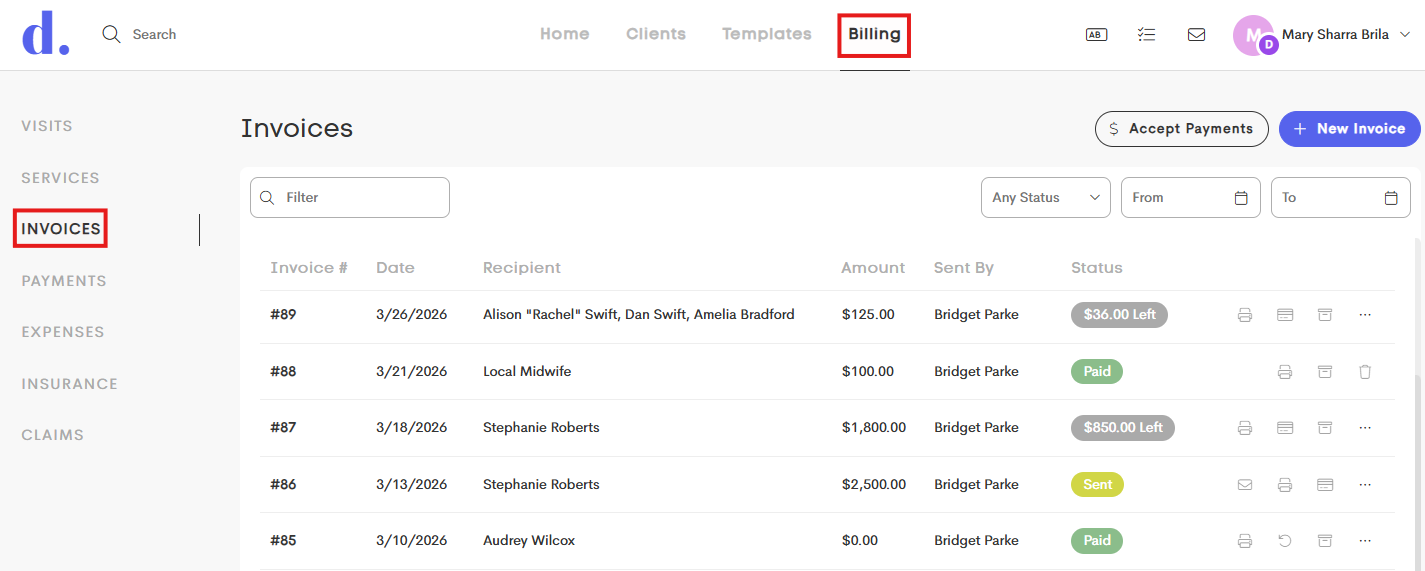
You can access invoices by navigating to the main Billing tab and going to the Invoices side menu.
Zero-Dollar Invoices
In some situations, you may want to create a $0.00 invoice, such as when tracking services provided at no cost or recording deliverables without requesting payment.
Zero-dollar invoices behave a little differently:
- They are automatically marked as Paid when you select Finalize from the invoice actions.
- No payment request or invoice email is sent to the client.