
Calendar View
Overview
The calendar shows and manages your appointments, on-call schedules, and availability for your and your team.
Table of Contents
- Date Controls & Views
- Creating, Editing & Deleting Events
- Switching People
- Starting a Paperwork from a Visit
Where to Find It
The calendar shows the events for the currently selected business and team member. It may show other events, depending on the settings, but each business has its own calendar.

1. Accessing the Calendar
You can access the calendar by navigating to the Home tab and selecting Calendar from the left navigation panel.
2. Header
The header lets you navigate and manage your calendar view:
- Change the view and date (day, week, or month)
- Move between previous or upcoming dates
-
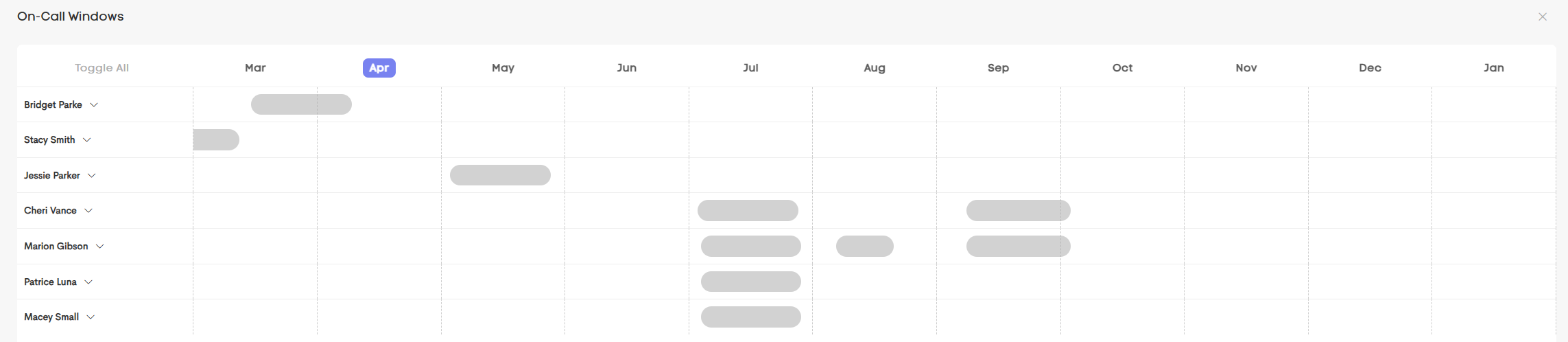
Open the On-Call Windows
- Create a new appointment via the New Event button
3. Calendar Body
This is where you view and interact with your schedule:
- See your events and appointment details
- Drag to create or move events
- View on-call availability windows as they're laid out in the calendar dates
4. Footer
The footer provides quick access to the calendar settings:
- Adjust the calendar settings
- Switch between team members
- Manage your availability and busy periods
- Connect or manage calendar integrations