
Switching People
On a team, having the 'Owner' roll allows you to view and manage appointments belonging to team members.
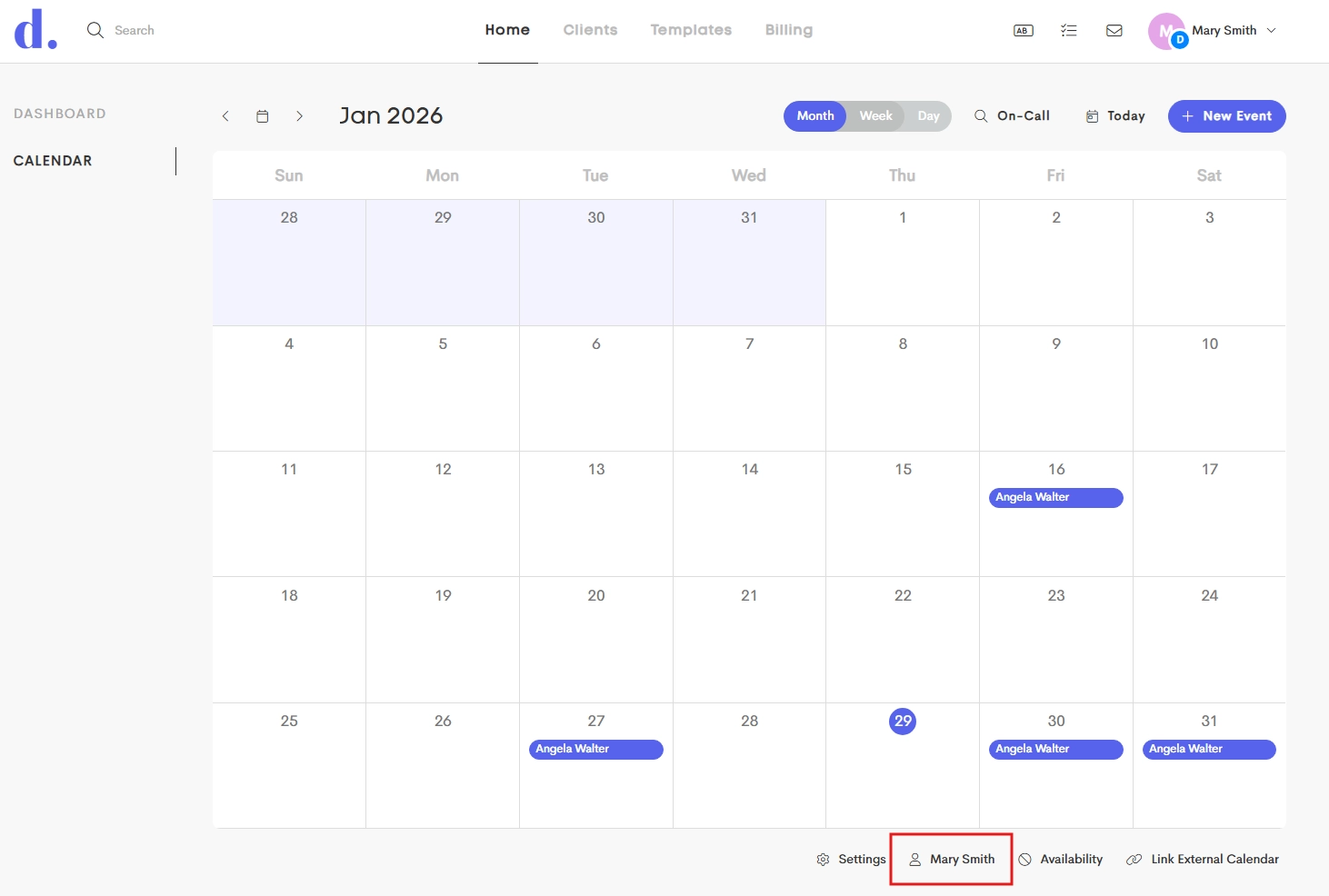
Switching the Calendar View
You can choose which team member's schedule and availability to view in the calendar:
- Below your calendar, press the button showing your name.

- In the Members modal that appears, select the team member who's calendar you want to view.

- On selecting a member, the calendar will reload, displaying the selected provider's appointments and availability.
- The button now indicates you are viewing someone else's calendar, also resulting in some other buttons being inaccessible.

While viewing someone else's calendar, an event you create has that person selected by default as the provider.

To return to your own schedule and calendar, open the Team Members modal again and select your own name.