
Claims
Overview
The Claims feature enables businesses to submit professional healthcare claims (CMS-1500) electronically to insurance payers.
This includes claim creation, field management, submission tracking, payment reconciliation, and provides a complete audit trail through claim events.
Table of Contents
- Dashboard Overview
- Creating Claims
- Claim Statuses & Lifecycle
- Understanding a CMS 1500 Form
- Common Rejections
- Resubmitting a Claim
- Attachments
- Payments
- Other Claim Actions
Where to Find It
Claims are accessed through Billing → Claims.
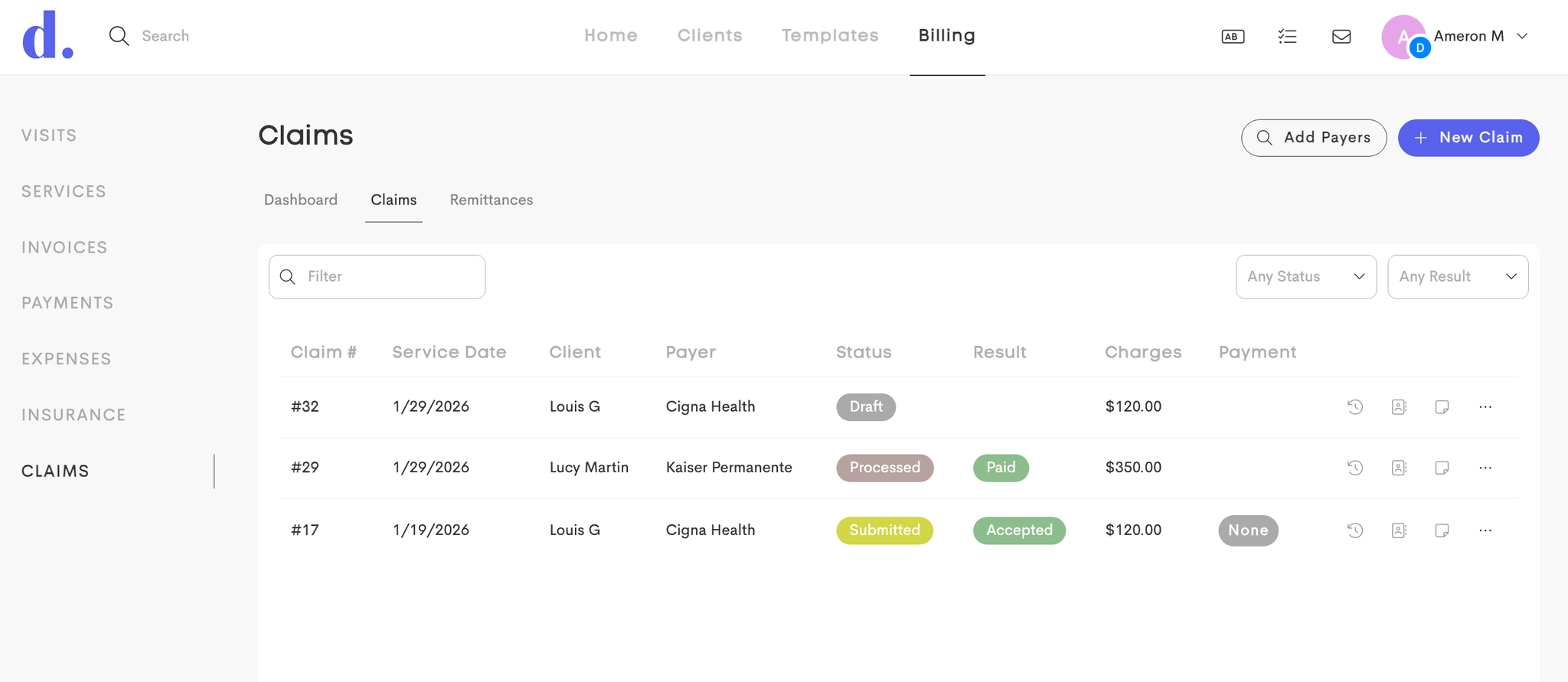
The interface provides three main tabs:
- Dashboard: Payers management and Claim statistics
- Claims: Complete list of all claims for the business
- Remittances: Payment tracking and ERA processing
To access the Claims page and related services, you need to have a plan with HIPAA compliance.
Permissions & Visibility
In a team environment, Business Owners can control which team members can access Claims via Claim Settings → Claim Permissions.
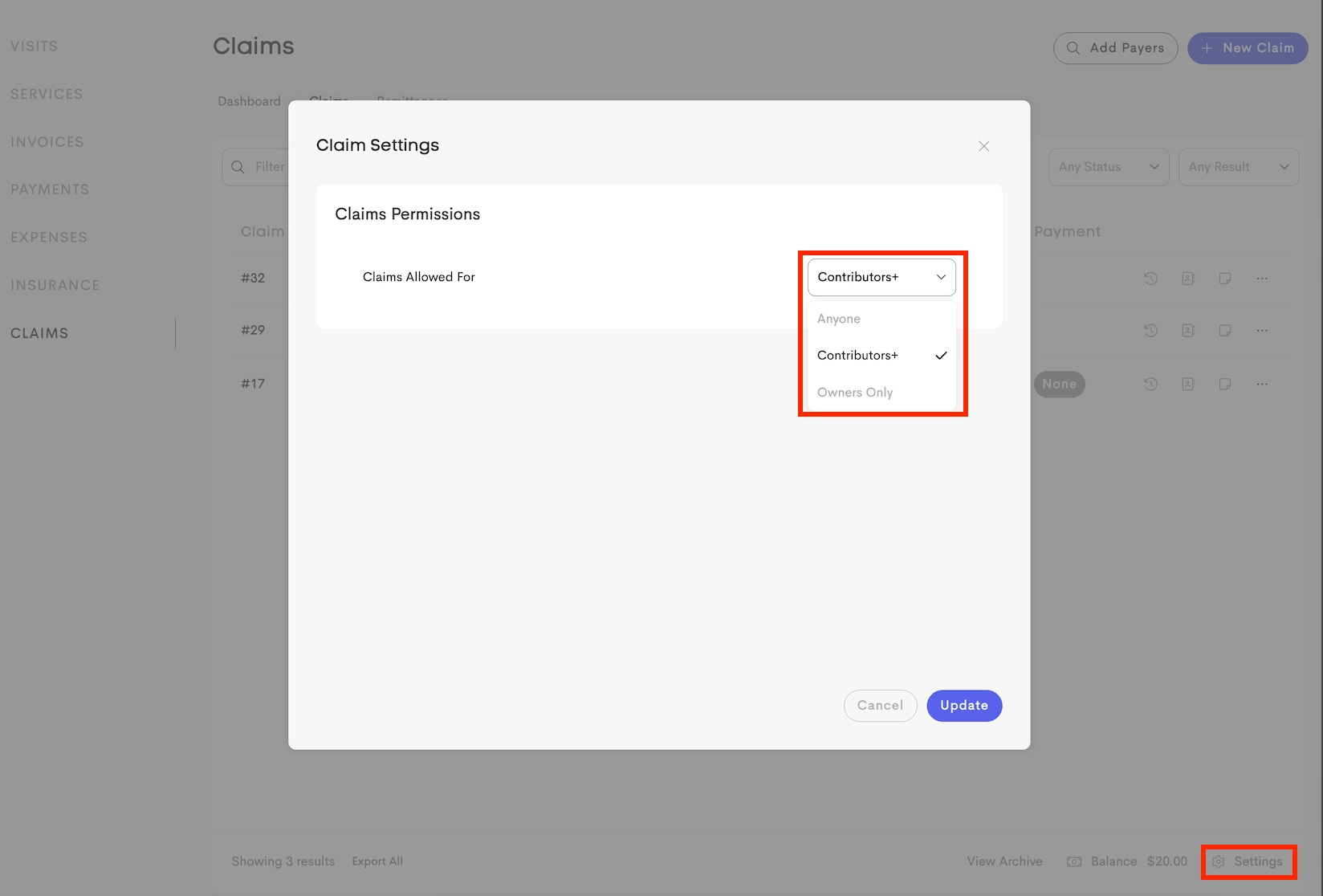
Assigned providers not part of the business/team cannot create a claim for that client.