
Create or Edit an Invoice Template
To create a new template, click on the + Invoice Template button in the Invoices page.
Where to Find It
Create a New Invoice Template
The + Invoice Template button found in the top-right of the Invoices page.

Edit an Existing Invoice Template
Locate and press on the relevant row in the list on your Invoices page.

Configuration
Most of the details you'll specify, when creating or editing an invoice, will be the same as when creating or editing an invoice. The fields and options from the template are automatically pre-filled on an invoice created from that template.
Invoice templates use relative dates. When you create an invoice from a template, the invoice date is automatically set to the current date, and all related dates are adjusted to maintain the same intervals defined in the template.
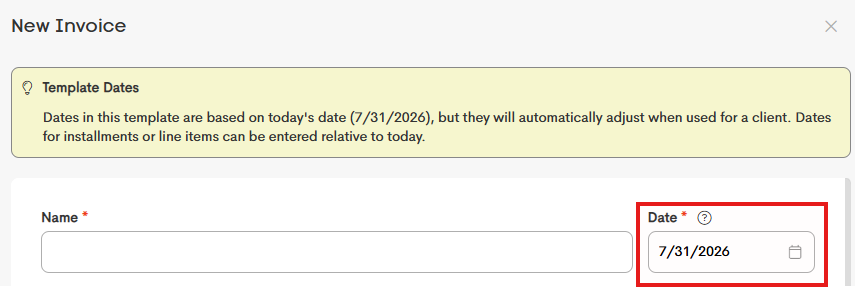
Setting Defaults
Everything you add to an invoice template is automatically included when you create a new invoice from it.
Before sending the invoice, you can review and update any of the pre-filled details. Invoice templates can include:
- Line items with default prices, quantities, and dates
- A default payment schedule and retainer
- Default visibility settings
- An invoice memo
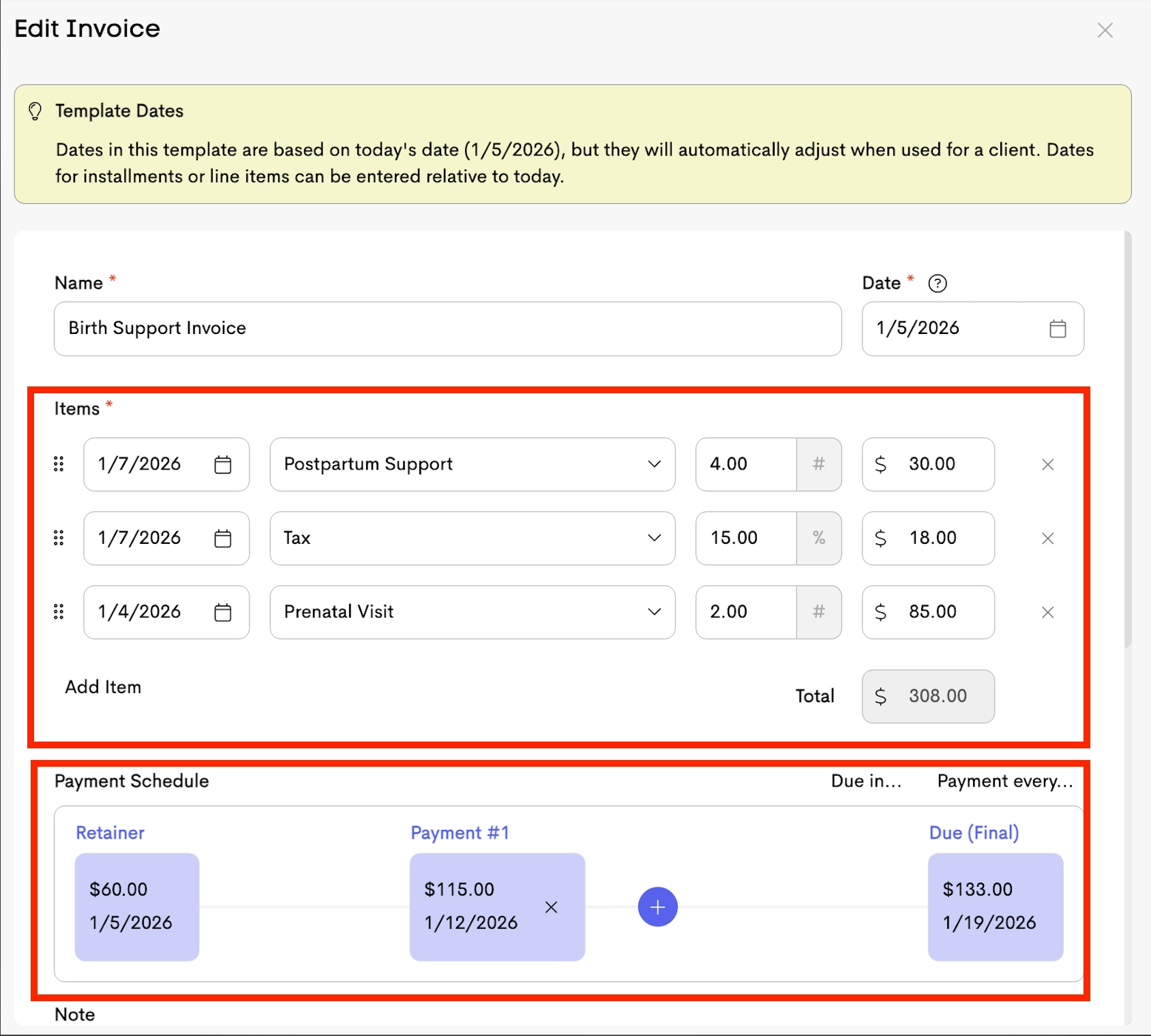
When you have finished setting up your invoice template correctly, you can create an invoice based on that template.