Data Sharing
Data Sharing allows a parent organization to connect with a subsidiary team in order to share selected content and data, to maintain consistency across business areas.
If your business is connected to another business through Data Sharing, templates from that business may also be available when your business creates new paperwork.
When connected, you can:
- Access and import document templates and resources from the parent organization to a child account
- Copy labels to keep your data organized consistently
- Create reports in the parent account using data from connected teams
Table of Contents
Where to Find It
You can view all the business you or your team(s) are currently sharing data with by doing either of the following:
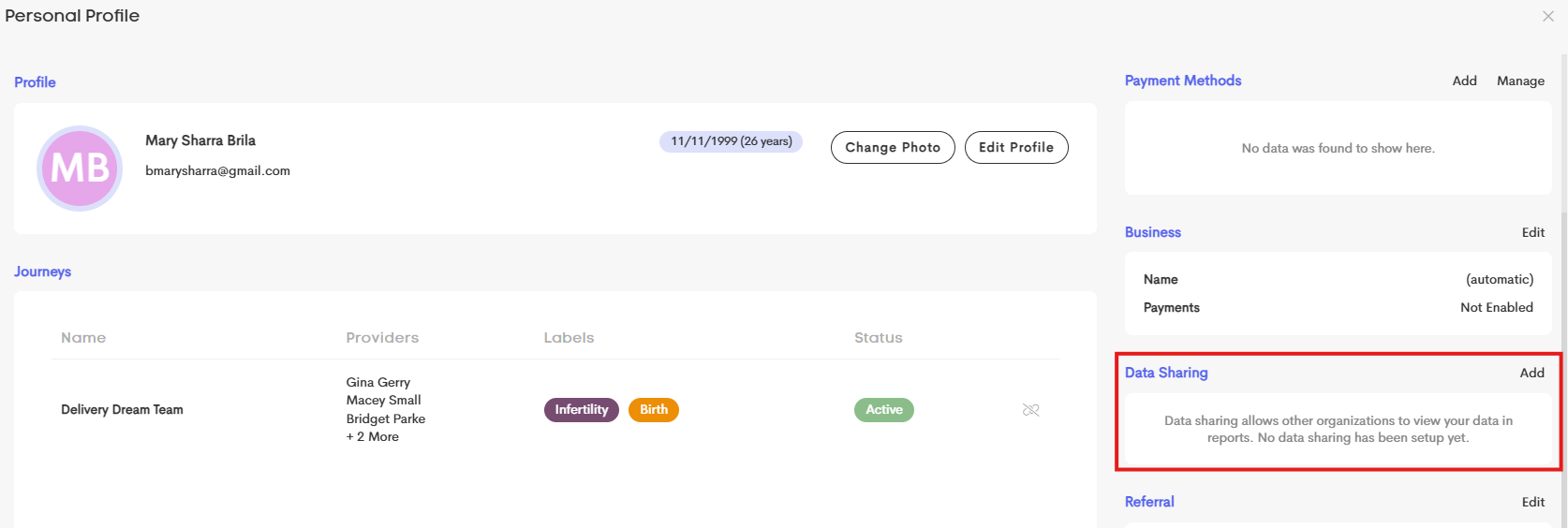
- Go to your User Profile in the upper-right corner of your menu and click on View Your Profile.
-
The Data Sharing section is in the bottom-right.
-
-
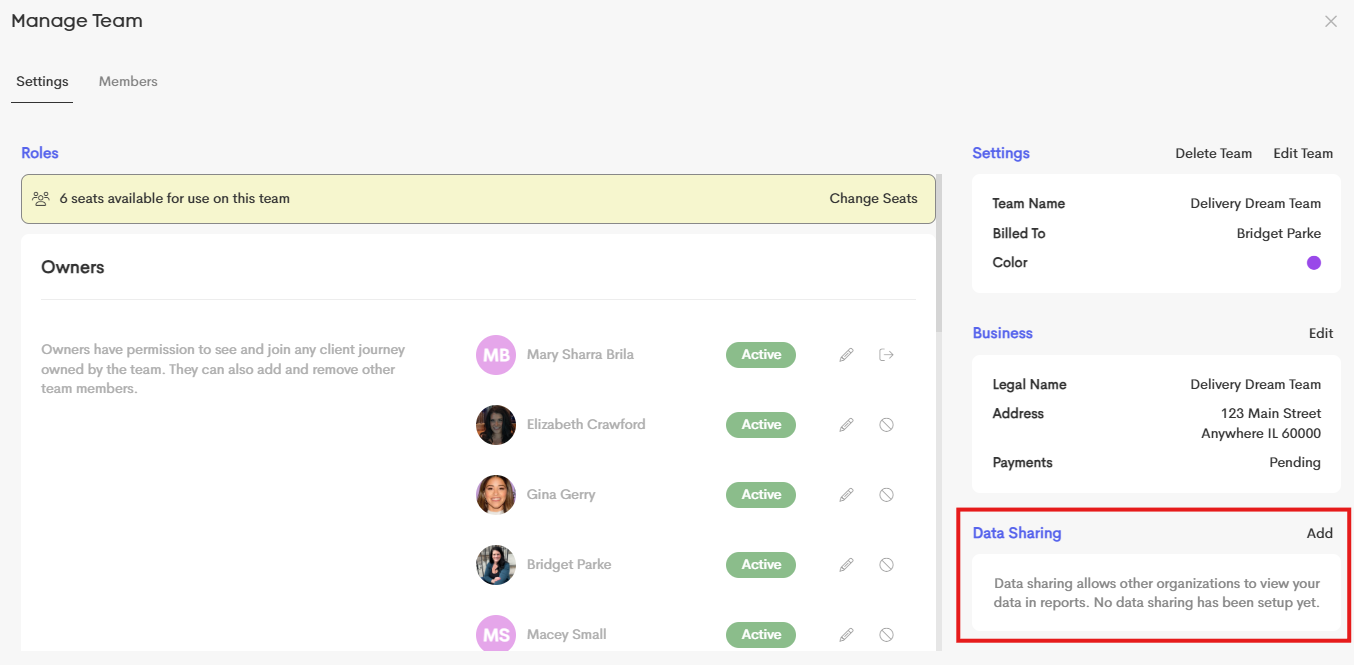
In the User Menu, refer to the Switch Team section and choose a team to manage. You can find the Data Sharing section in the bottom-right section of the Manage Team window.