
Managing Fulfillments
Fulfillments track each time a service is provided or completed for a client. You can record fulfillments manually by entering the date and quantity of the service provided, or they can be recorded automatically through completed visits.
Manual Fulfillment Entry
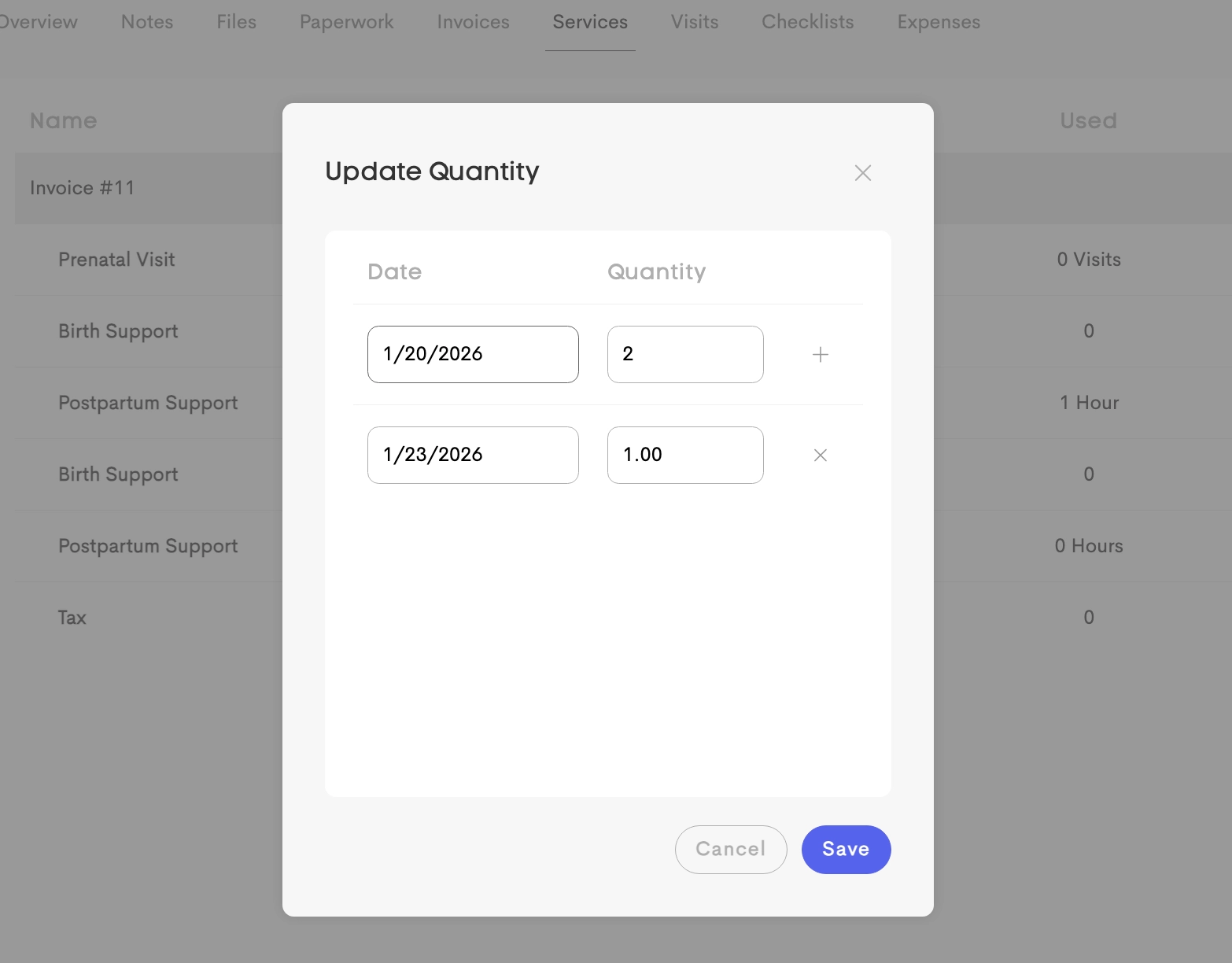
You can manually add a fulfillment to a deliverable by entering the date the service was provided and the quantity fulfilled.
Auto-Fulfillment from Visits
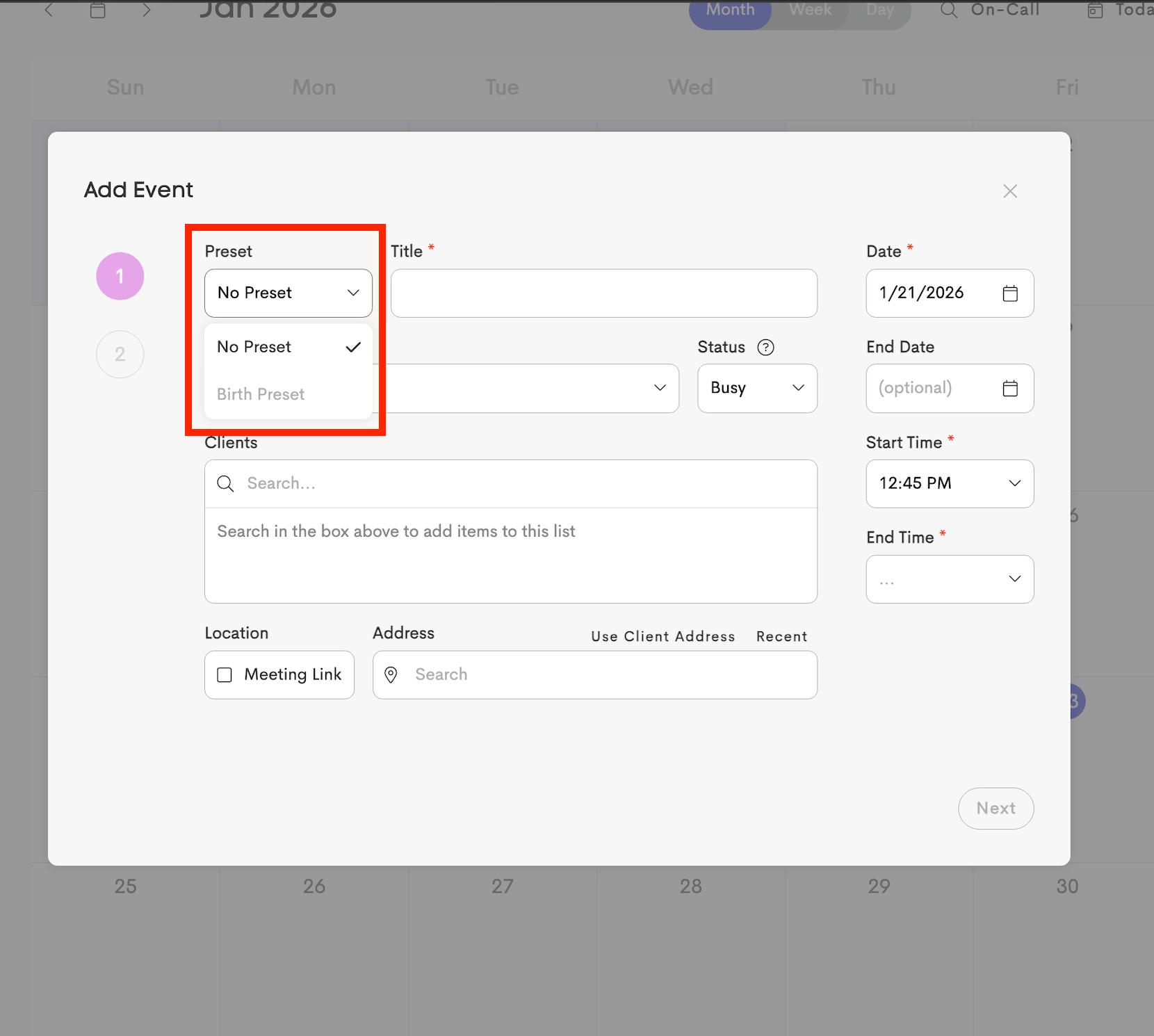
To automatically record a fulfillment from a visit, schedule the visit using the Appointment Preset linked to the corresponding service.
Matching Logic
When a visit is marked as Completed, the system automatically attempts to create a fulfillment for a matching deliverable. To qualify, the deliverable must meet all of the following:
- The invoice Item matches Service linked to the Visit's Appointment Preset
- The invoice Item matches the Business and Client (Journey) for whom the visit has been completed
- The deliverable record has a Remaining Quantity greater than 0.
If multiple matching deliverables are found, the fulfillment is applied to the deliverable from the oldest approved invoice first.
Quantity Calculation
The Quantity Used for a deliverable is automatically calculated based on the service's unit:
- Hours – Based on the duration of the completed visit, divided by 60 minutes (1 hour). For example, a 90-minute visit uses 1.5 hours of the deliverable quantity.
- Visits – Each completed visit counts as 1.
Overflow: If a visit exceeds the Remaining Quantity of the first matching deliverable, the available quantity is used first.
Any remaining usage is then automatically applied to the next oldest matching deliverable.
Example Scenario
A client has two Postpartum Support packages:
- Invoice A: 10 hours purchased, with 1.5 hours remaining
- Invoice B: 10 hours purchased, with 10 hours remaining
You complete a 3-hour visit and mark it as Completed. Since Invoice A cannot cover the full visit, time is split into:
- Fulfillment #1: Allocates 1.5 hours to Invoice A, leaving 0 hours remaining.
- Fulfillment #2: Allocates the remaining 1.5 hours to Invoice B, which now has 8.5 hours remaining.