
Restore an Archived Client Journey
Restoring an archived client journey returns it to active status, making the client visible in active lists and restoring access to associated records and workflows.
This is useful when a client resumes services or when an archived journey needs to be reactivated.
Follow these steps to restore an archived journey:
-
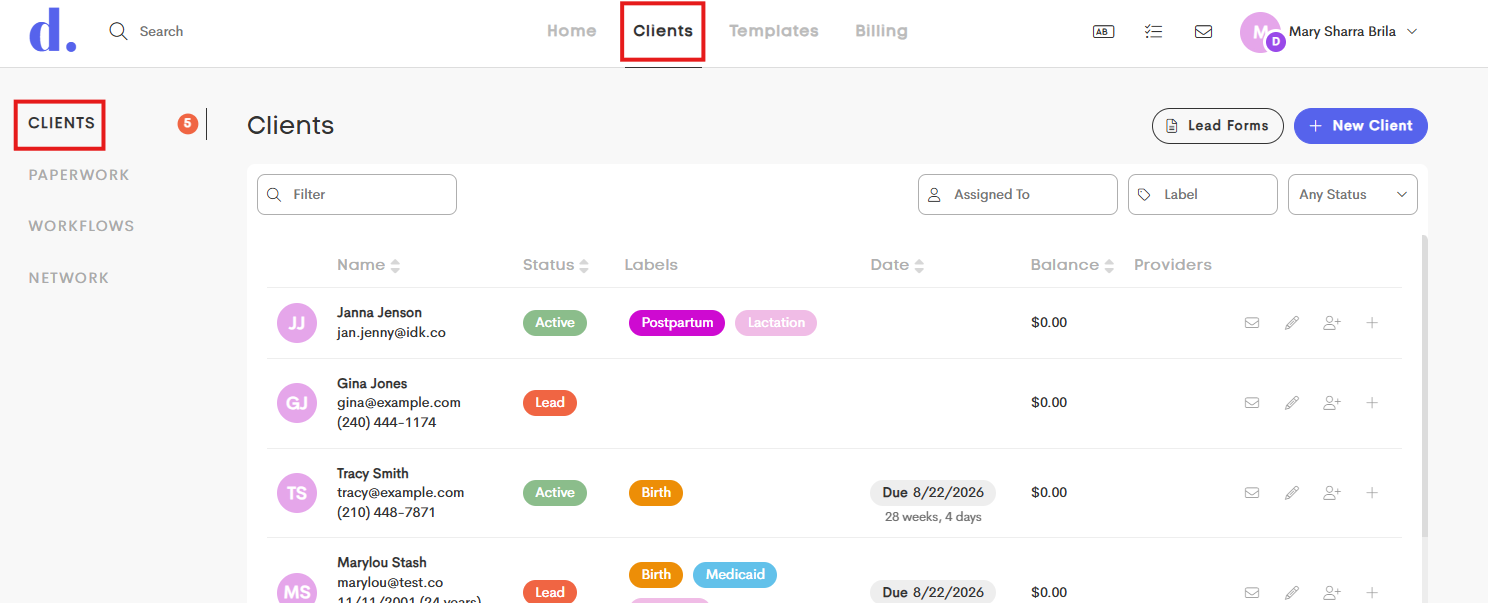
Go to the main Clients tab and stay in the Clients side menu.
-
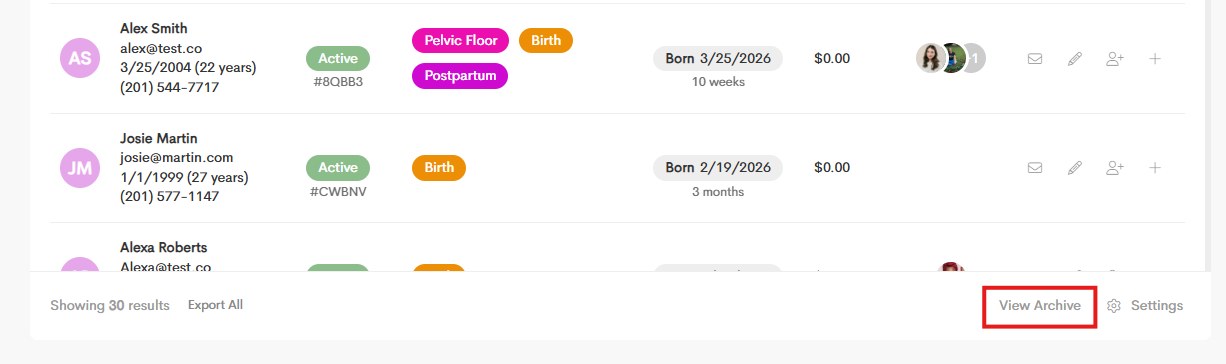
At the bottom of the Client List, click on View Archive.
-
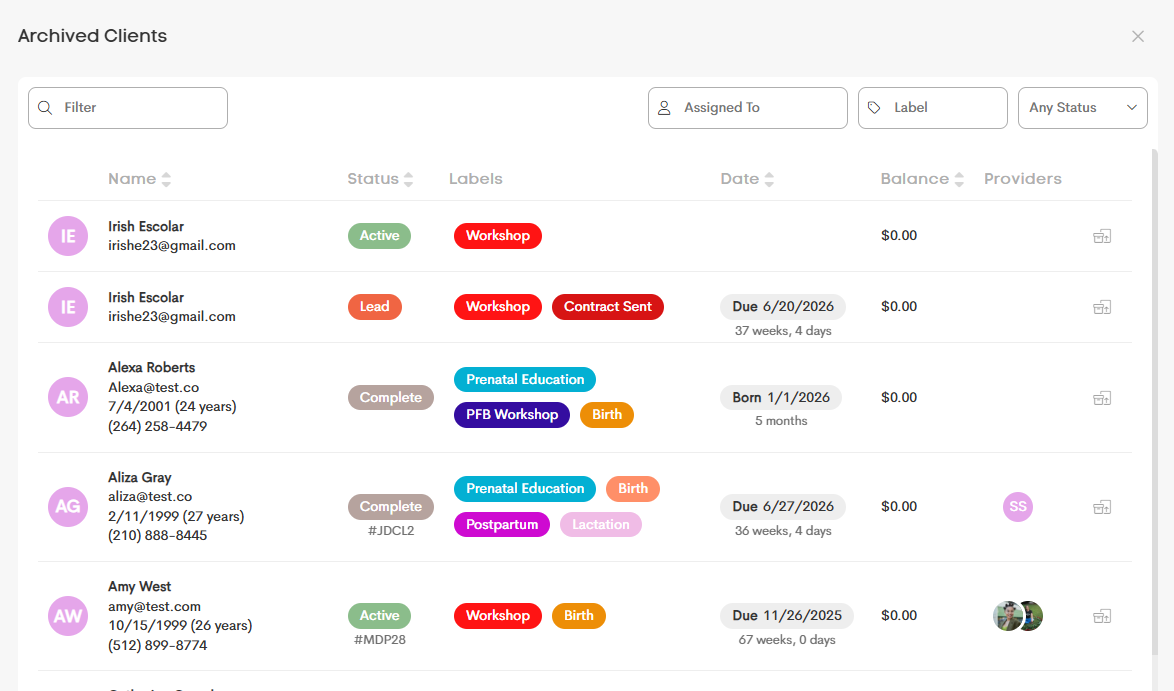
The new window will show you the list of archived clients. You can browse the list or filter it to narrow down the results.
-
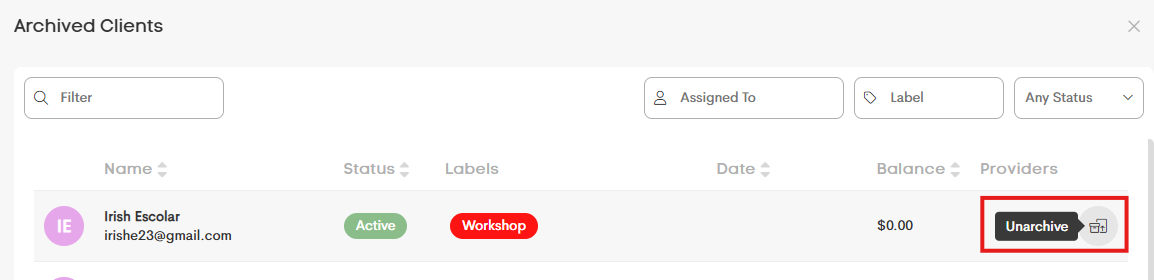
Click the Unarchive icon from the client row that you want to restore.
-
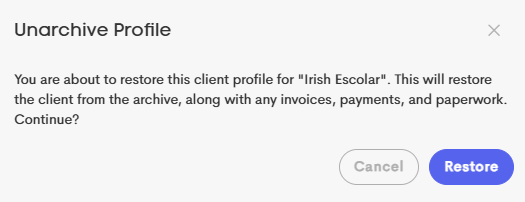
You'll get a prompt to notify you about the account restoration, click Restore to continue.
- The client profile will now appear in the Client List again.
