
Using Templates
Text templates make it easy to quickly insert pre-written content wherever you’re working.
When you insert a template in a message, it will be added to your existing text. It won’t replace what you’ve already typed.
When templates are available, you can insert them in two ways:
|
|
You can always find these icons when checking out modals with Templates. |

-
Use Template (🔍)
View and select from all saved templates for that specific area (such as messages, notes, or invoices)
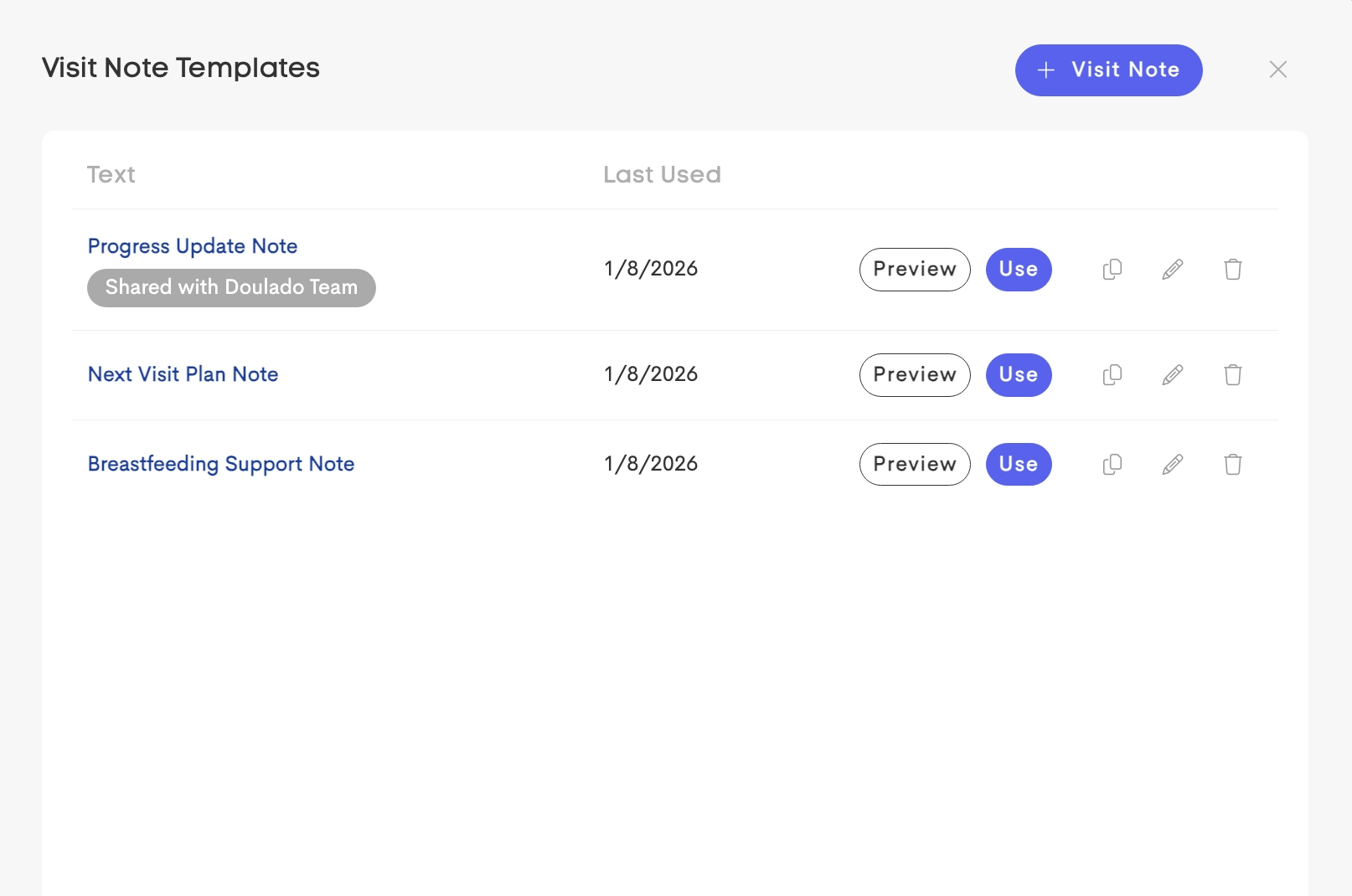
Use Template action to reuse available templates -
Recently Used (🕐)
Quickly access templates you’ve used recently, sorted by most recent use
Using templates helps you save time and maintain consistent communication across your work.