Client Portal Overview
Through the portal, clients can manage appointments, complete forms, make payments, and communicate with providers. Although it looks similar to a doula's profile, it contains fewer details.
Client Navigation
The Client Navigation includes:

Home
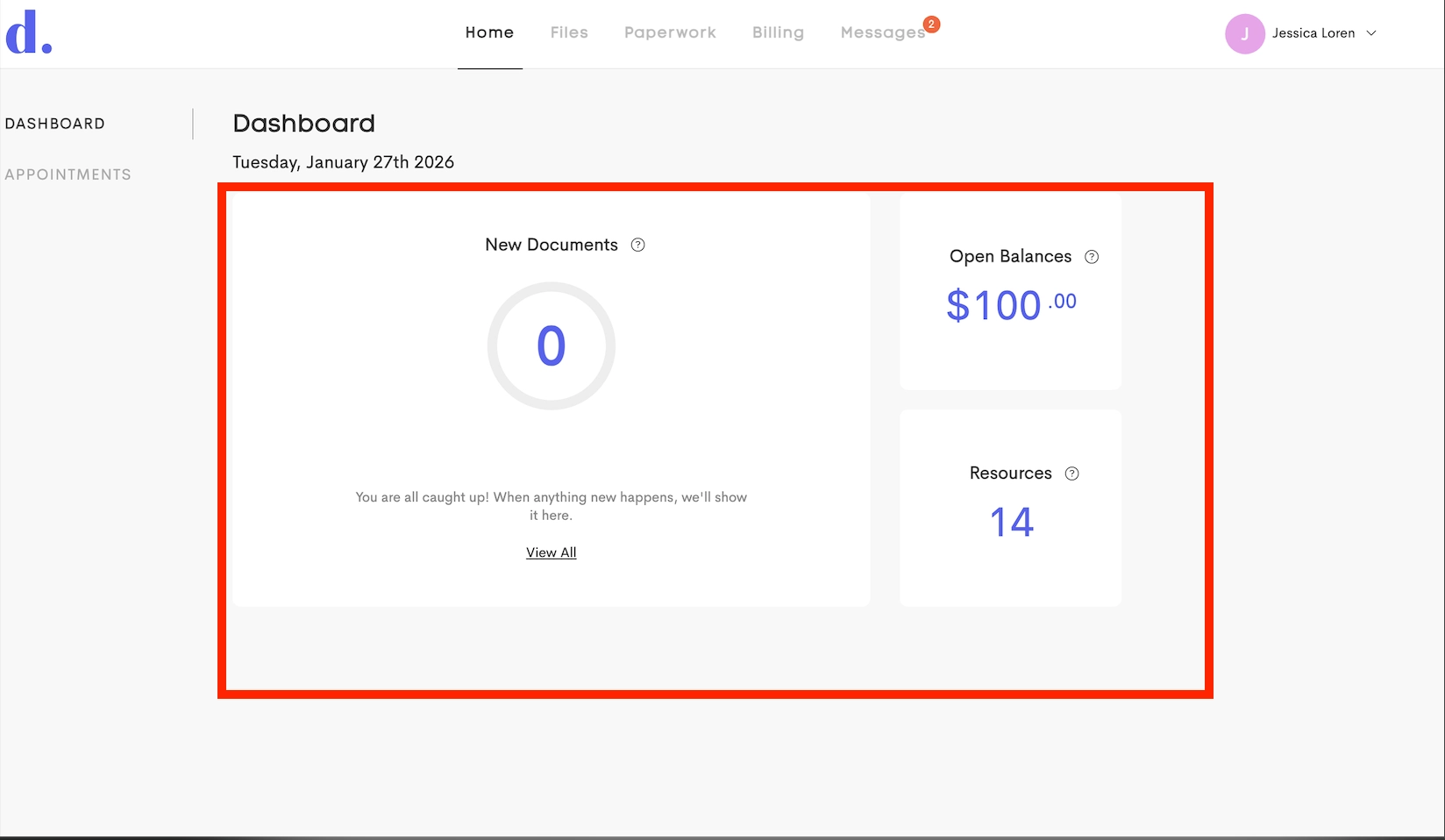
Dashboard: provides an "at-a-glance" view of quick actionable items and status updates. It summarizes key activity including pending documents, unpaid balances, and new resources shared by the provider.
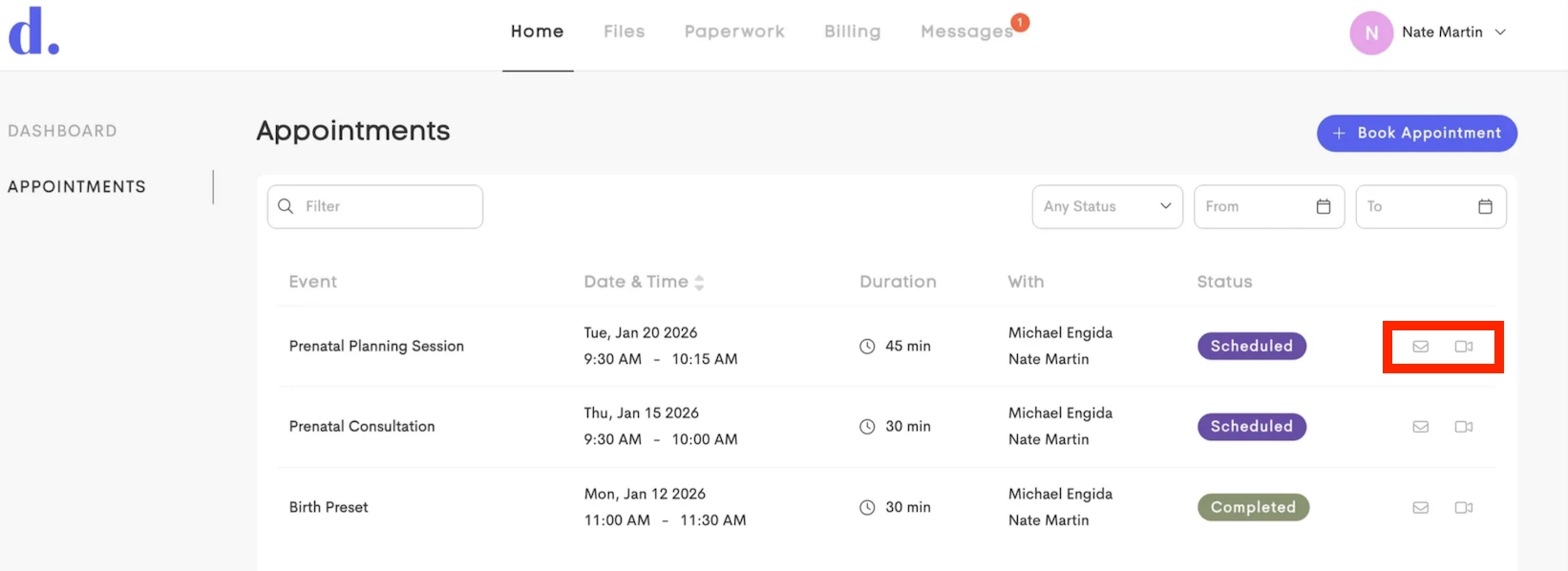
Appointments: Displays a chronological schedule of visits, allowing clients to view event details like date, time, location, and ability to book appointment with available providers
- By default, the list shows appointments starting from yesterday onwards
- For each appointment, clients can use the actions menu to Send Message to the provider or join a Video Room (if Telehealth is enabled for the owning business)
Files
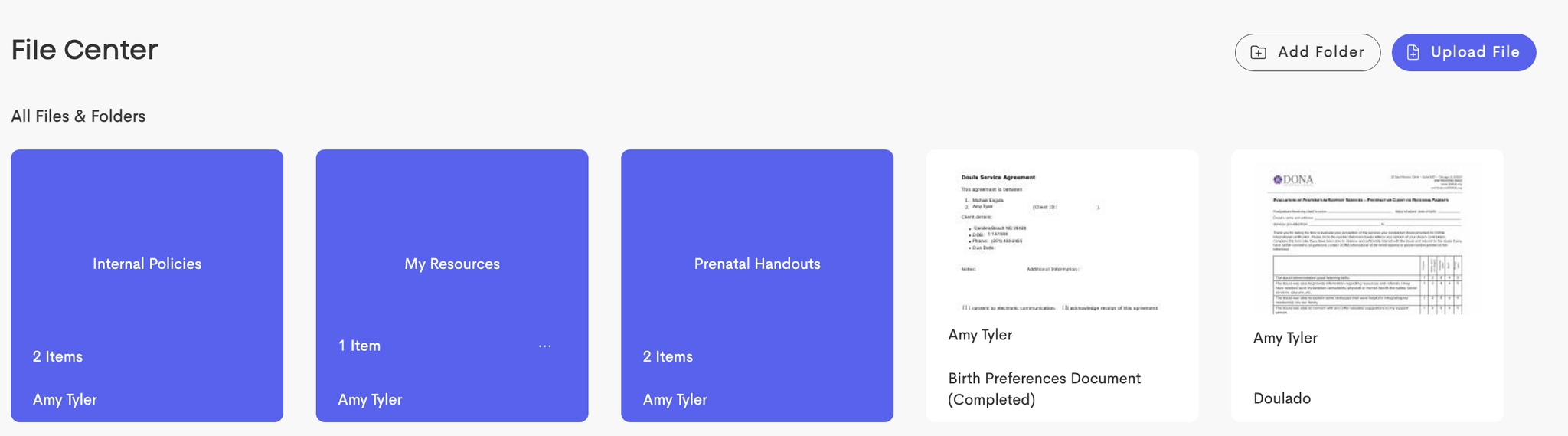
Access to the file library. This includes files uploaded by the Client and resources shared by the Doula and ability to upload new ones as well.
Paperwork
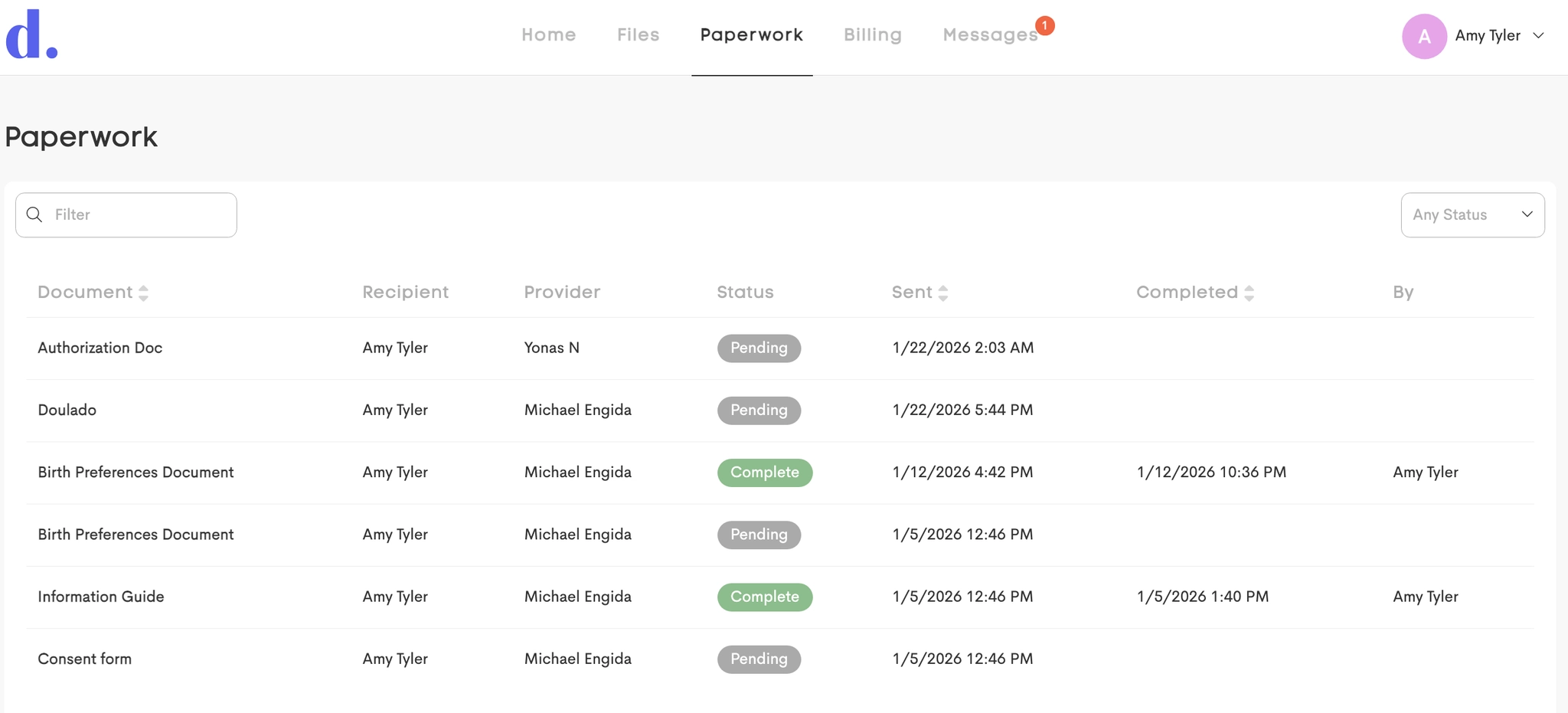
Clients can view and complete all documents and forms sent by providers.
Billing
A clients comprehensive financial view including:
-
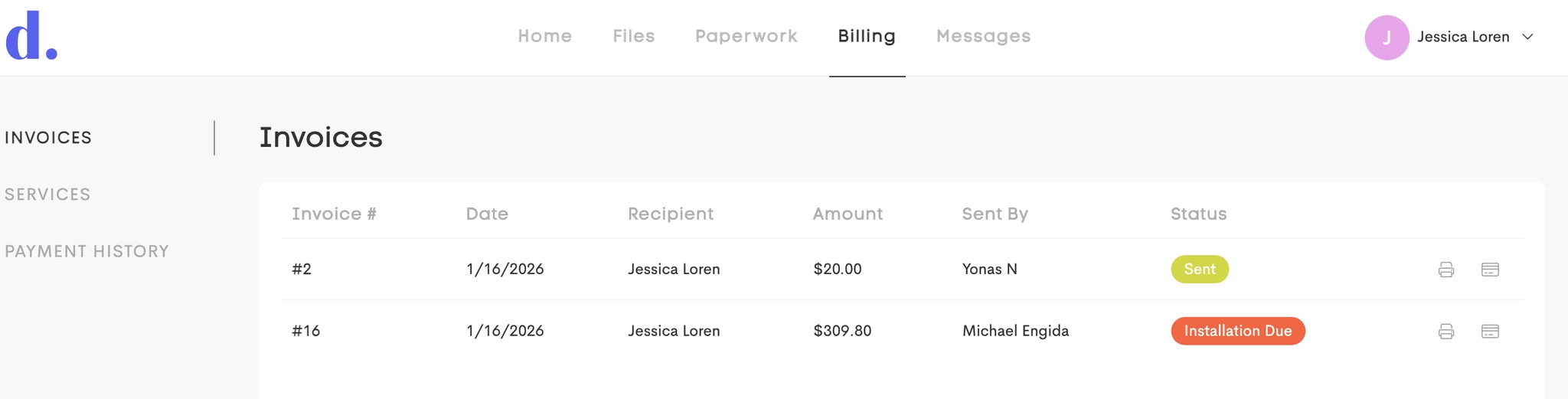
Invoices: View and pay all open invoices sent by providers
-
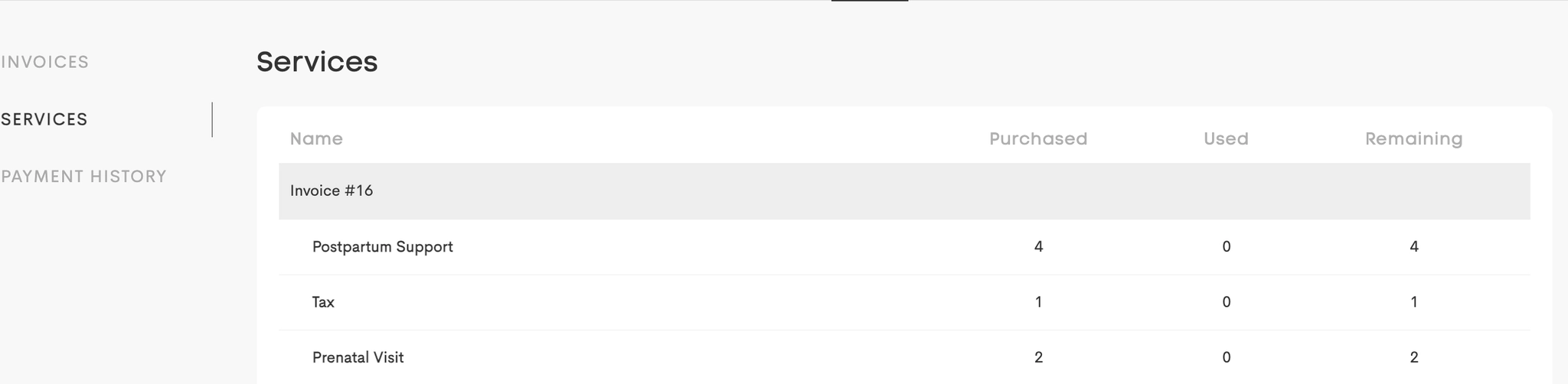
Services: View purchased service packages together with the fulfillment amount
-
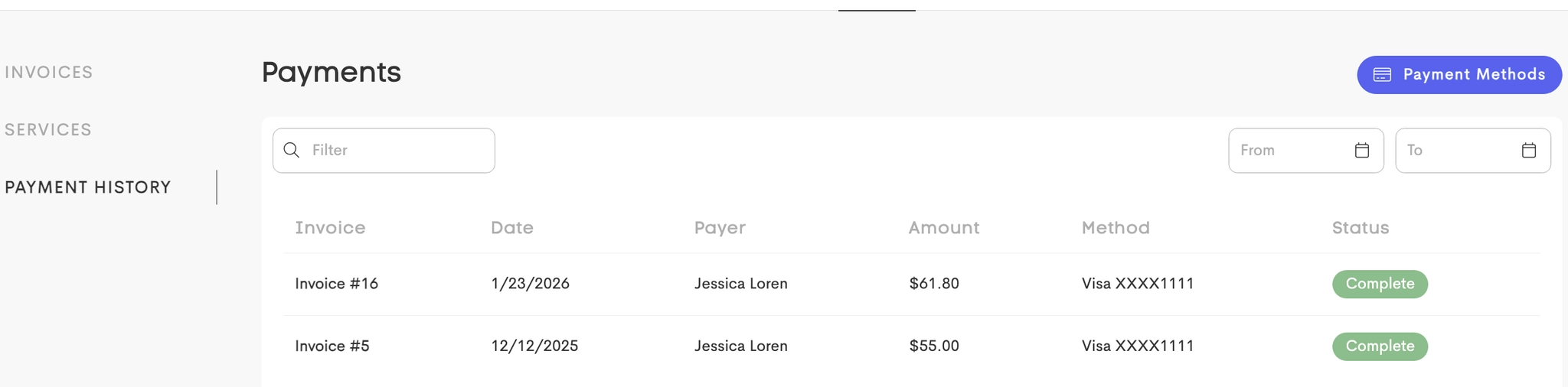
Payment History: A log of all payments made.
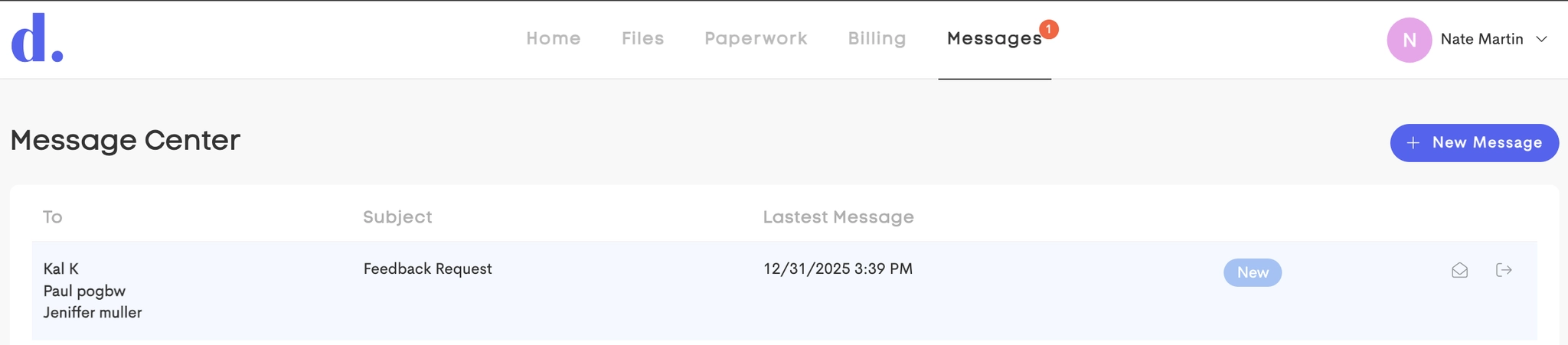
Messages
Client’s messaging center for secure communication with providers.
Managing & Unlinking Providers
Clients who work with multiple businesses in Doulado can manage their connections settings from their profile.
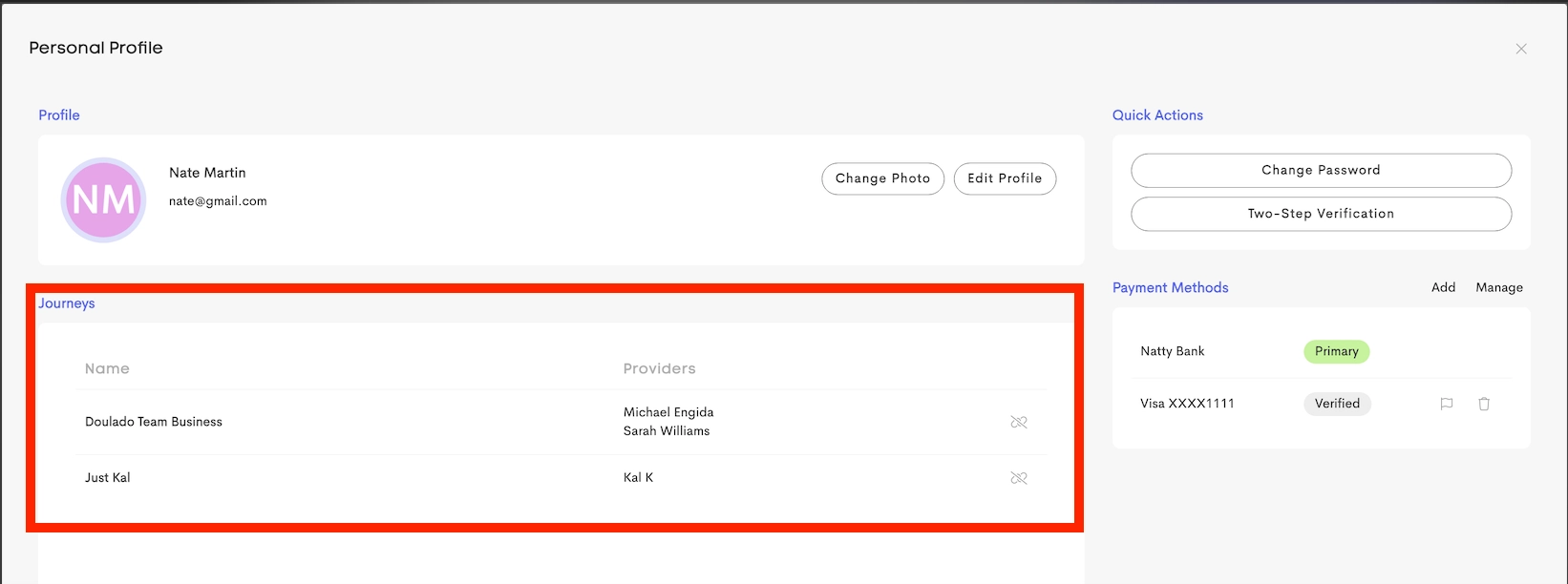
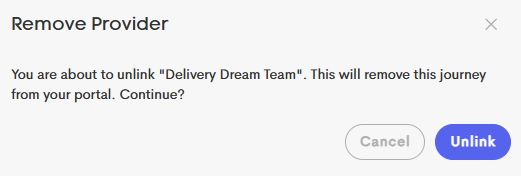
The Client can choose to remove a Provider from their portal which will revoke the Provider's access to the client's shared profile data going forward.

Clicking the Unlink button in the Provider's row will remove the Provider from the Client's Journey.