
Remittances: Editing & Other Actions
Editing Remittances
Modifying a remittance record or its individual claim payments triggers specific validation and safety prompts based on the source of the data and whether the payment is shared with other entities.
Global Remittance Editing
The row actions on remittance is only made available for remittance that are not shared.

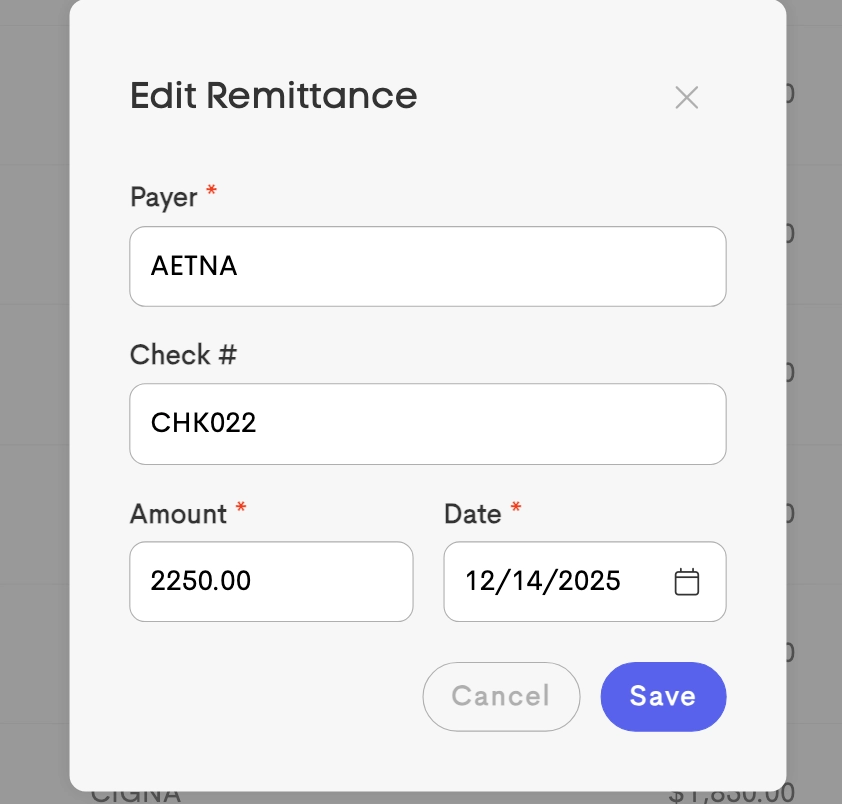
When the Edit action is available, changes to the Payer Name, Check Number, Date, or Total Amount apply to the global record only and wouldn’t affect associated claim payments.
Managing Individual Claim Payments
Individual allocations can be managed by clicking the Claims button on a remittance row to open the specific payments list.
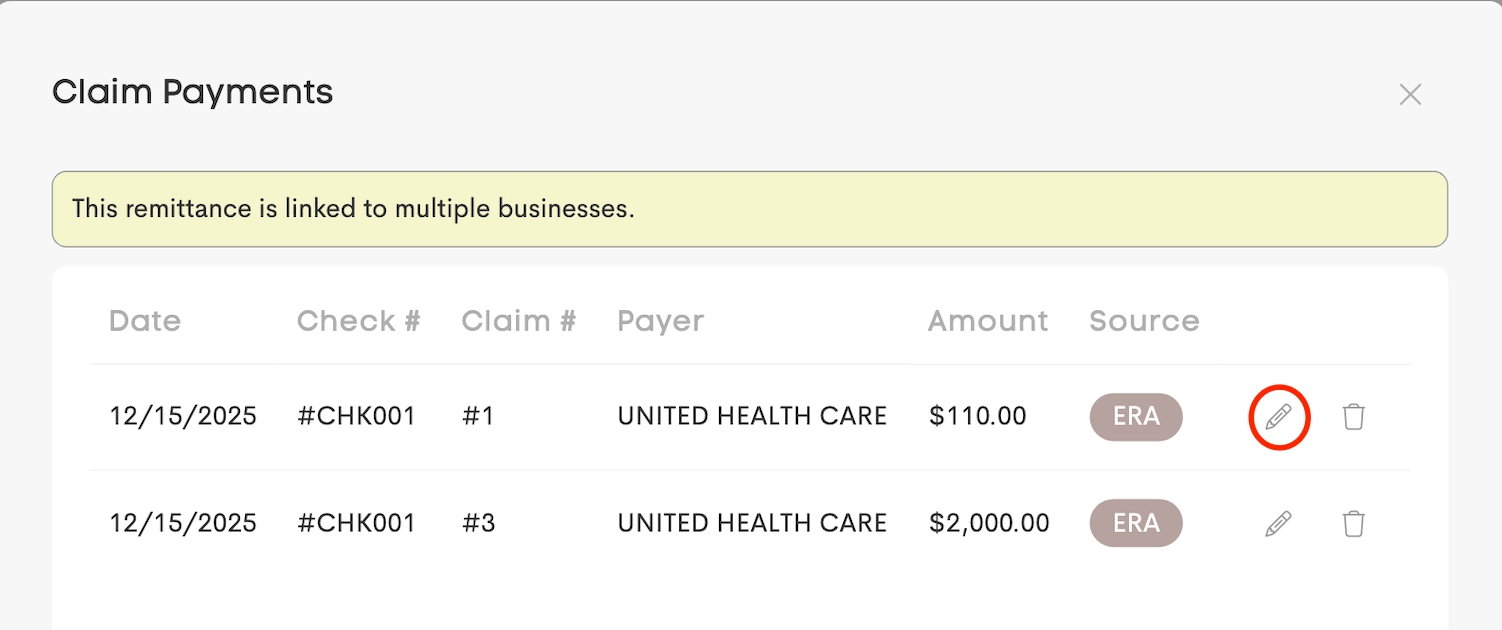
The Edit button on a specific claim payment allows for the adjustment of the amount applied to that unique Claim ID.

Shared Record Protection
If a remittance is shared with other businesses, editing an individual allocation only affects the funds linked to the current business’s claim.
The global check total and the records for the other business remain unaffected.