
Remittance: Creating Remittances
Manual Payment Entry
For paper checks or manual EOBs, adjudications can be recorded manually.

From the Claim → Payments → New Payment.
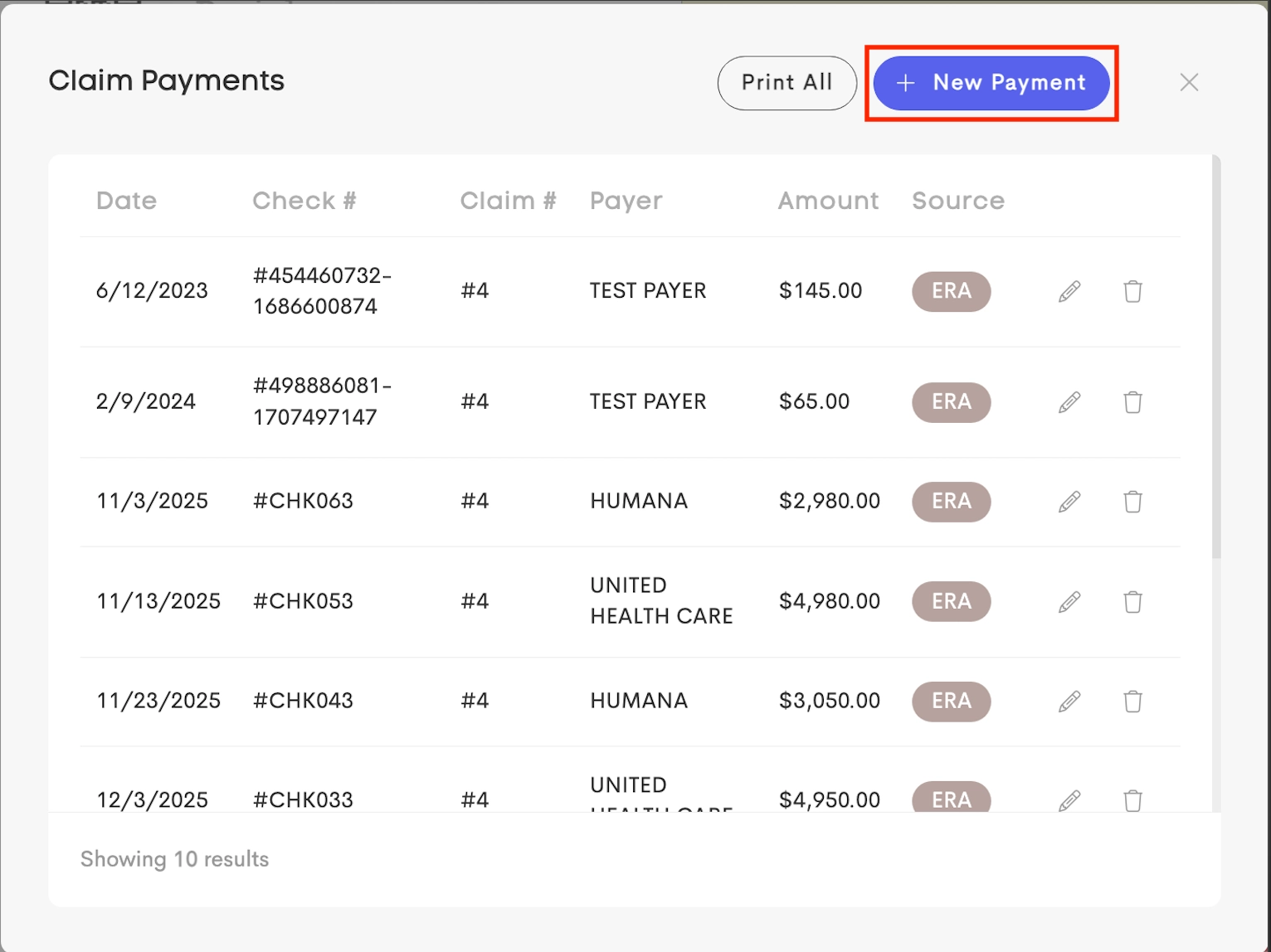
Saving a manual payment creates both the global Remittance record and allocates the amount to that claim.
Status Impact
Saving a change to a claim payment amount automatically triggers a re-calculation of the parent claim's status to Processed. A positive payment amount marks the claim as Paid and a $0 payment means it is Denied.
Electronic Remittance Advice (ERA)
ERA files are automatically retrieved and processed from the clearinghouse.
When an ERA is received, a remittance record is created with payment details and claim allocations based on the payer's transmission.
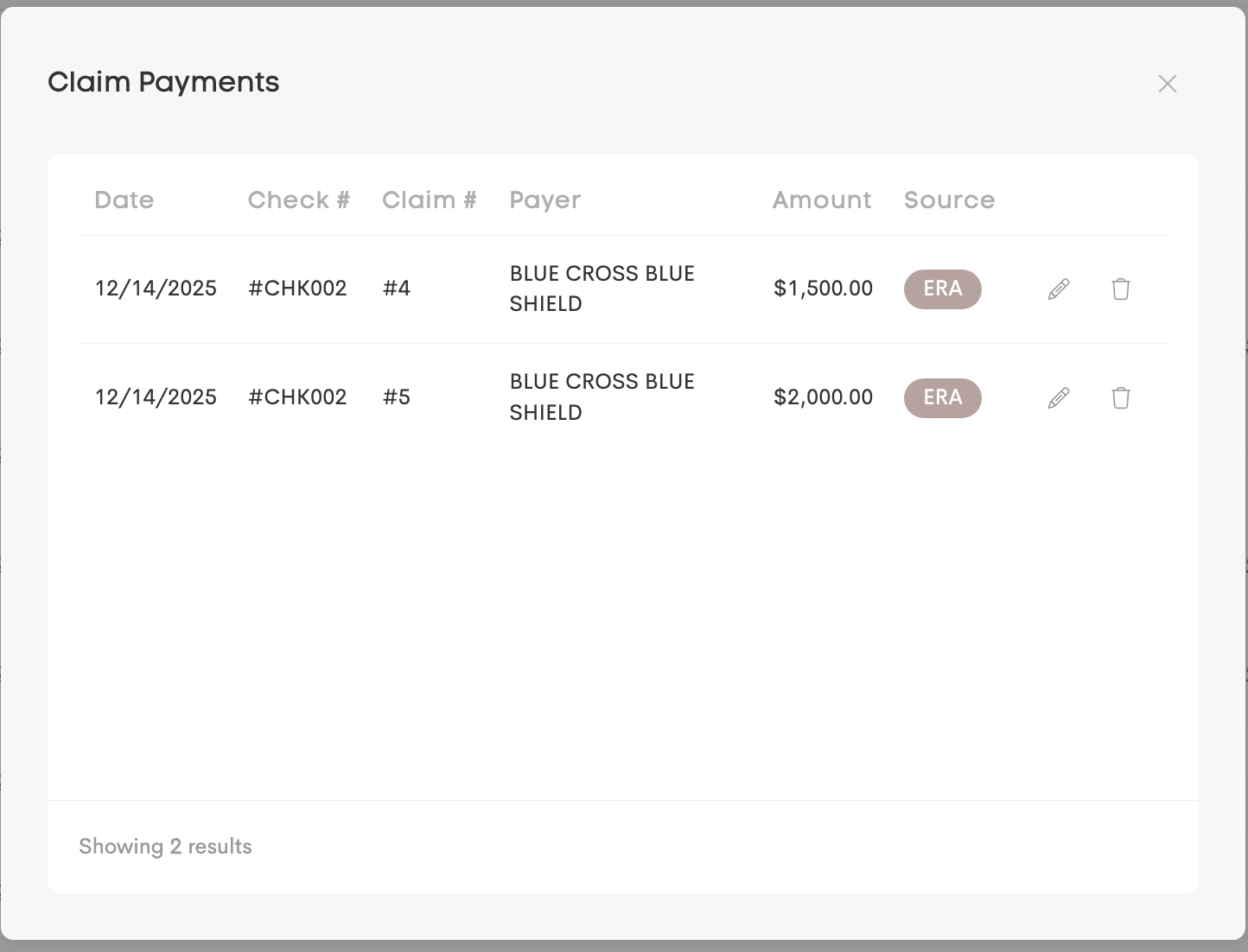
ERA-sourced remittances are marked with an ERA badge.