
Customizing Your Notifications
You can customize which types of events Doulado sends email notifications to you about.
Follow these steps to modify your notification settings!
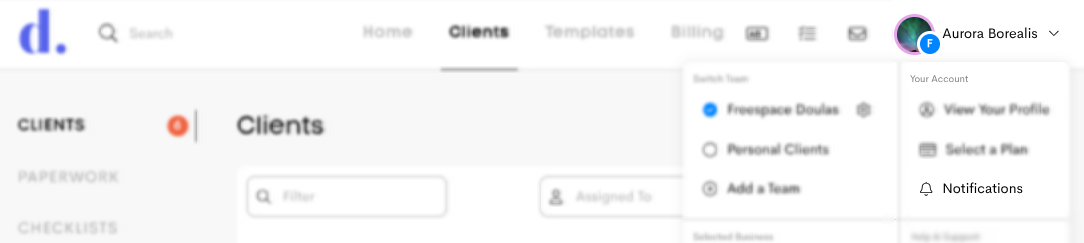
- Click on your Profile Menu in the top-right corner.
-
Go to Notifications.
- In Notification Preferences, you can choose to opt in or opt out of email notifications for the different features including:
- Invoicing
- Paperwork
- Messages
- Clients
- Reminders/Tasks
- Billing
-
Insurance
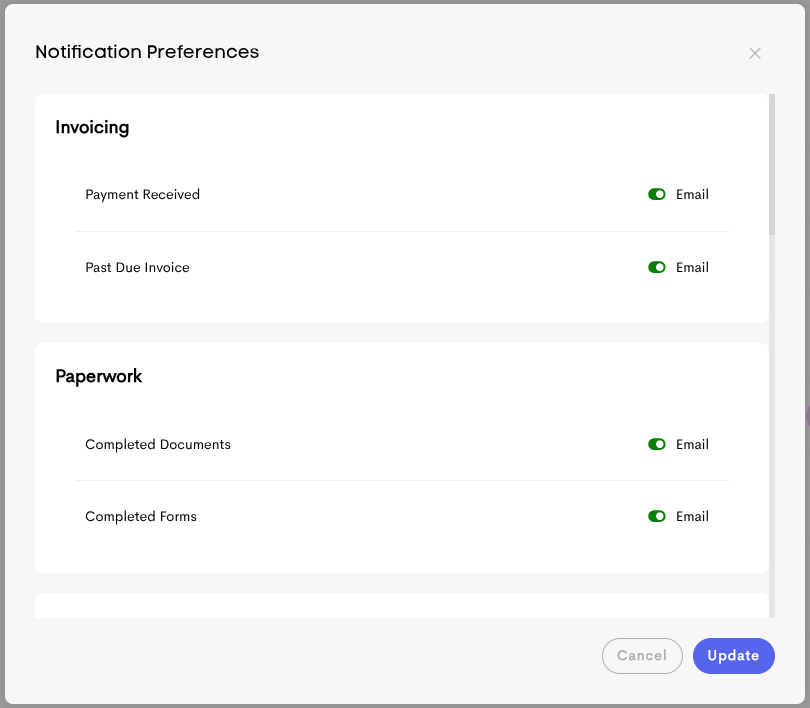
- Once you're done, click on the Update button to save your changes.
